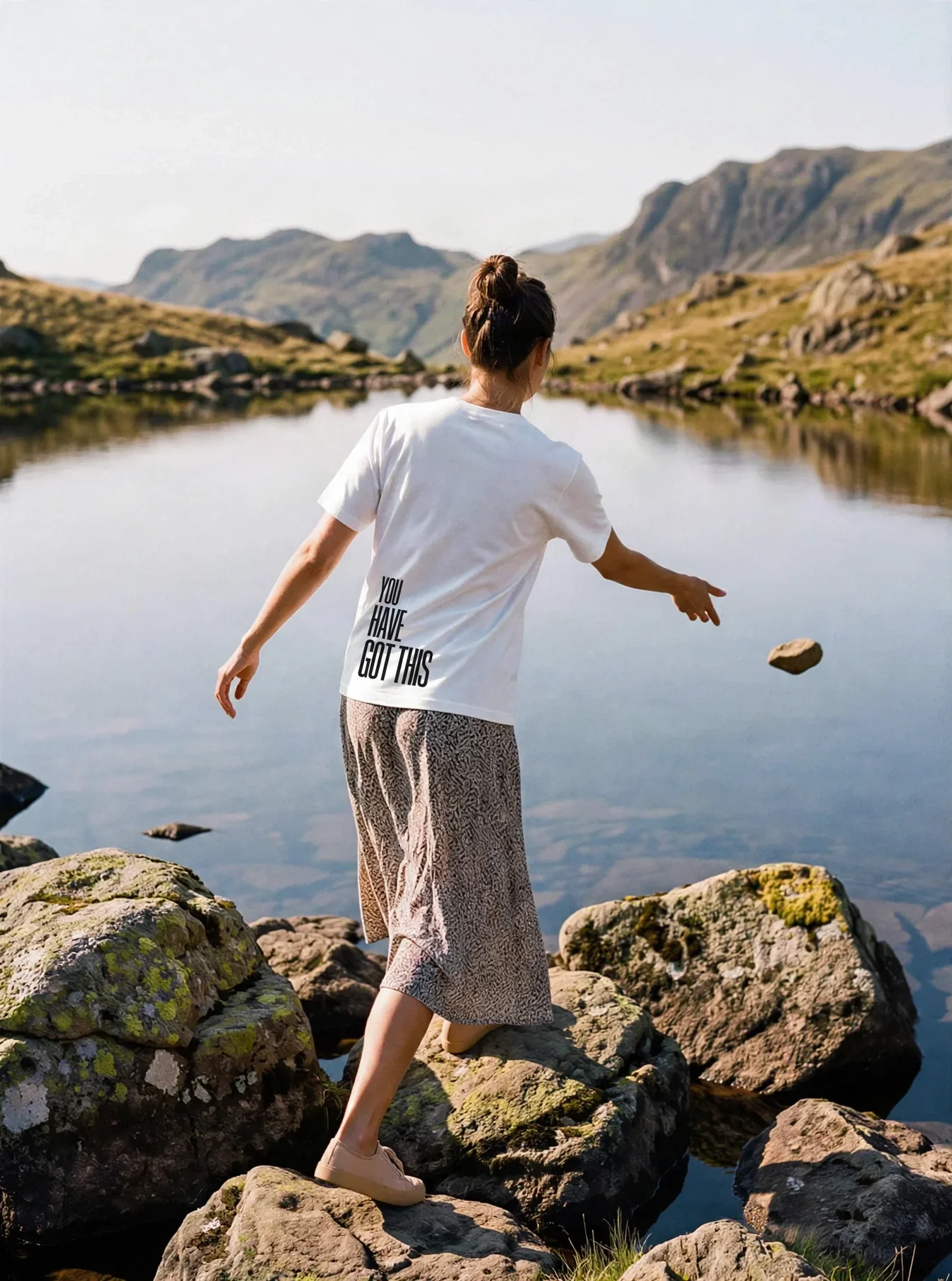
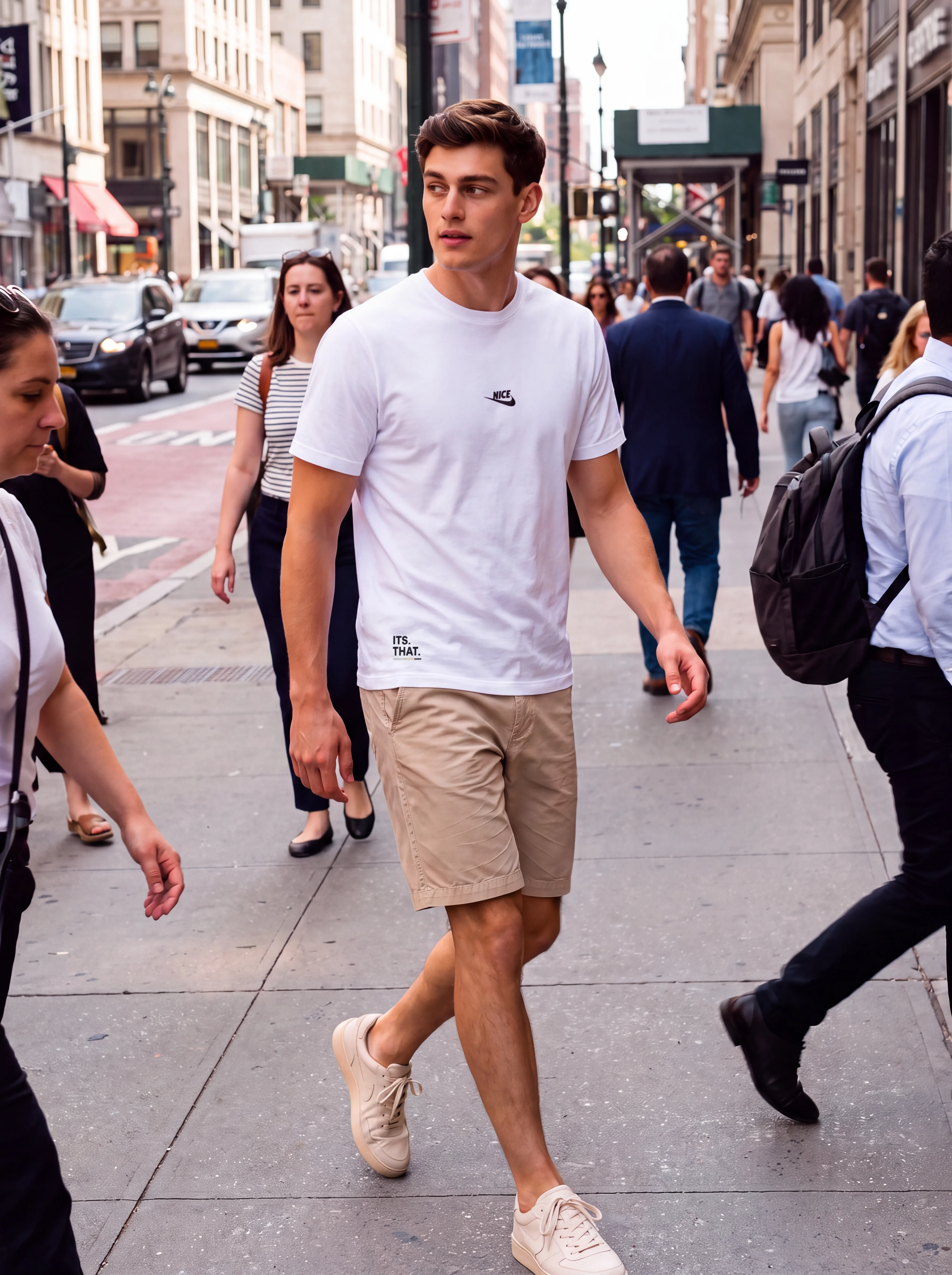
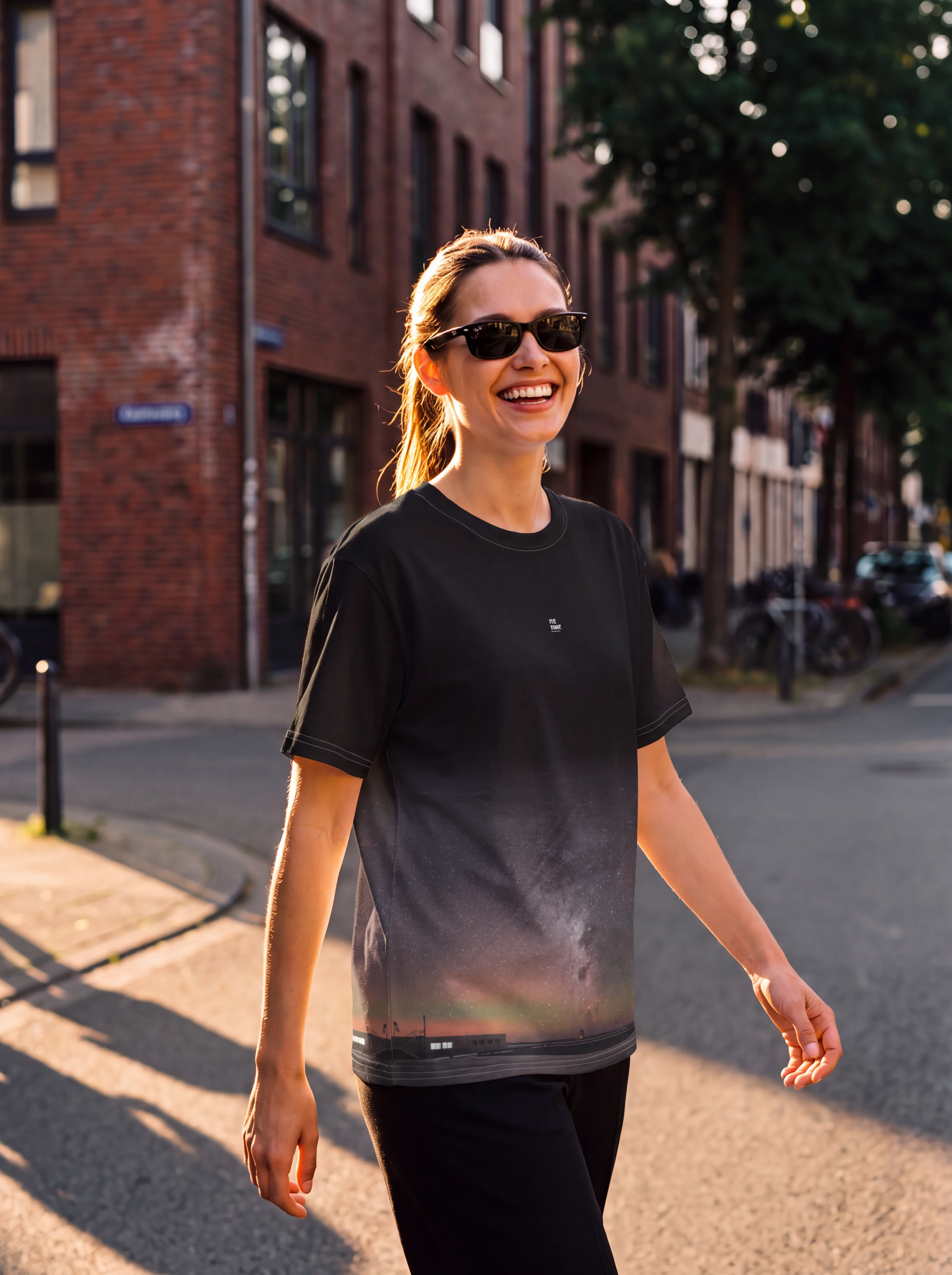


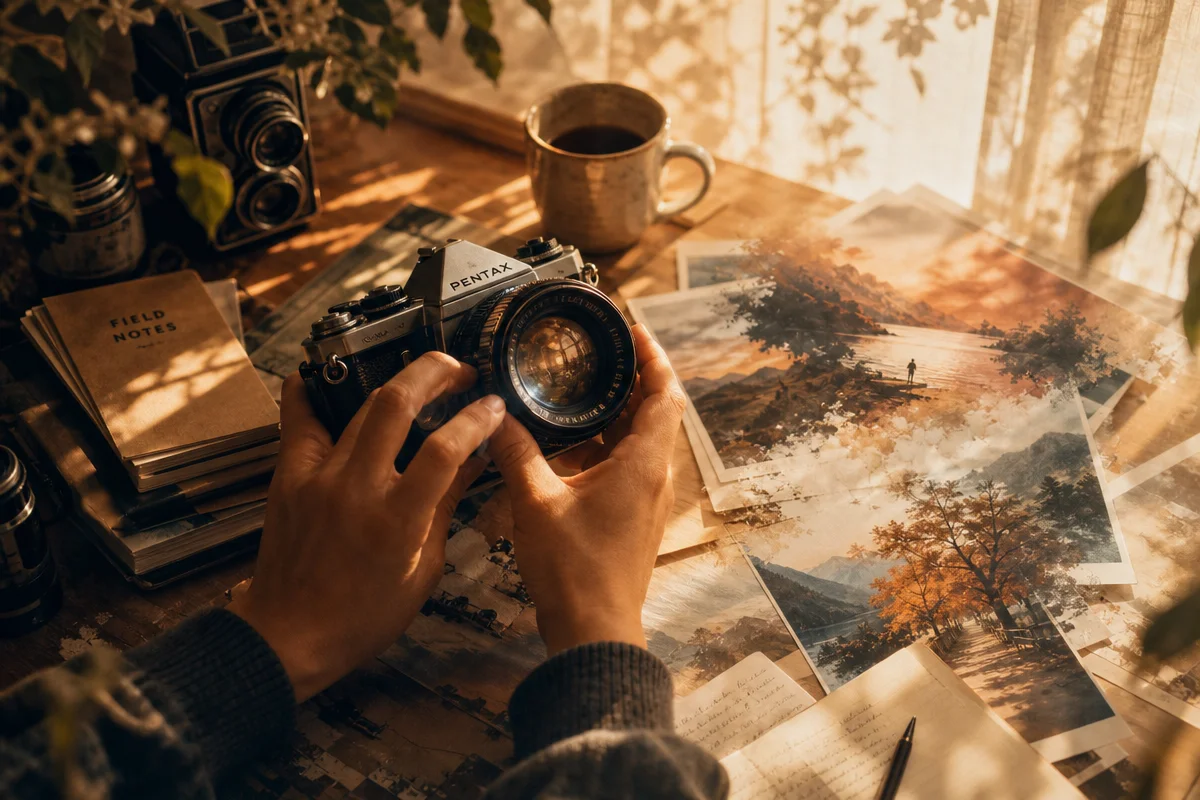
Picture a hand-tinted analogue print, grain sitting like fine dust across a jaw-line lit in split shadow – except no camera ever touched it. It was born from noise, refined in a few dozen steps by a model that has learned what light does to skin. That’s the trick at the heart of Stable Diffusion 2026: can a system with no eyes really understand photographic craft, or are we just borrowing the vocabulary of photography to describe something else entirely?
What is Stable Diffusion and how does it actually work?
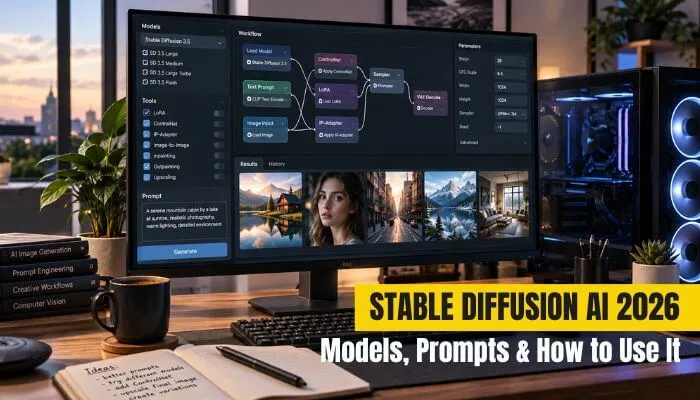
Image: TycoonStory
Stable Diffusion generates images by starting with random noise and gradually refining it into a picture that matches your prompt. The process runs in four steps: the model interprets your prompt, generation begins from that noise field, the noise is denoised in stages, and what emerges is a visible image built from nothing but statistical inference about light, form and colour.
What makes this efficient rather than absurdly slow is latent diffusion – the maths happens in a compressed latent space, not across every pixel of a full-resolution canvas. Think of it the way a sculptor rough-blocks a figure in clay before touching detail work; the model shapes the coarse composition first, then refines texture and edge only once the bones are right. That’s also why the current Stable Diffusion 3.5 family ships in four tiers – Large, Large Turbo, Medium and Flash – each one a different trade between fidelity, speed and how much memory your machine needs to hold. Flash suits a phone-tethered workflow sketching ideas fast; Large is what you reach for when a client needs print-ready detail.
What do we actually need to get started?
Before we touch a prompt box, we need somewhere to run the model. Here’s the workflow we’d walk a beginner through, start to finish:
- Choose your setup. Hosted platforms need nothing but a browser and a subscription; local tools like ComfyUI or Automatic1111 need an install, but they hand us full control and no per-image cost.
- Check your hardware. For local generation we want an Nvidia GPU with at least 8GB of VRAM for Medium or Flash models; Large wants 12GB or more to breathe comfortably. No dedicated GPU, or working from a laptop or phone? Hosted services or Flash-tier models on modest hardware are the sensible entry point – we shouldn’t force a workflow our machine can’t support.
- Pick a model checkpoint. Start with a general-purpose base model in safetensors format before hunting for a stylised community fine-tune.
- Iterate on the prompt. Write the seven elements below, generate a small batch, and read the results like contact sheets – we’re editing, not accepting the first frame.
- Add conditioning. Bring in ControlNet or a LoRA once the base composition is close, the same way a photographer adds a flag or a bounce card only after the key light is placed.
- Upscale. Choose conservative or creative upscaling depending on whether the piece needs to stay faithful or is allowed to reinvent itself.
- Export and archive. Save the full workflow graph alongside the final file, not just the image.
How do you write a Stable Diffusion prompt that works?
A strong prompt names seven things explicitly: subject, environment, composition, lighting, visual style, camera or medium, and constraints. Skip any of these and the model fills the gap with its own averaged guess – usually the least interesting choice available.
Picture this: we want a portrait in the mood of Irving Penn’s studio work – subject isolated, background flattened, light doing all the emotional labour. A prompt that only says “portrait of a woman” gives us nothing of that. One that specifies “three-quarter portrait, grey seamless background, tight composition, split lighting from camera-left, monochrome fine-art photography, medium format film, shallow depth of field” gives the model actual instructions – the same way a photographer briefs an assistant on a lighting setup before the shutter ever fires. Negative prompts matter just as much, telling the model what to exclude – blown highlights, extra fingers, plastic skin – and sampler settings like step count and CFG scale govern how faithfully the result tracks our words versus how much creative drift it’s allowed.
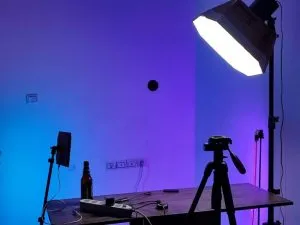
We don’t need a studio to practise this. If we’re shooting on a phone, the same seven-element discipline applies to composing the reference shot we’ll feed the model later – window light, a plain wall, a considered angle – because a clean reference image gives IP-Adapter and img2img something worth building on.
What’s the difference between ControlNet, IP-Adapter and LoRA?
ControlNet conditions generation on structure – a pose, a depth map, an edge sketch. IP-Adapter conditions it on a reference image’s style or subject. LoRA is a lightweight fine-tune that teaches the base model a specific look without retraining the whole thing.
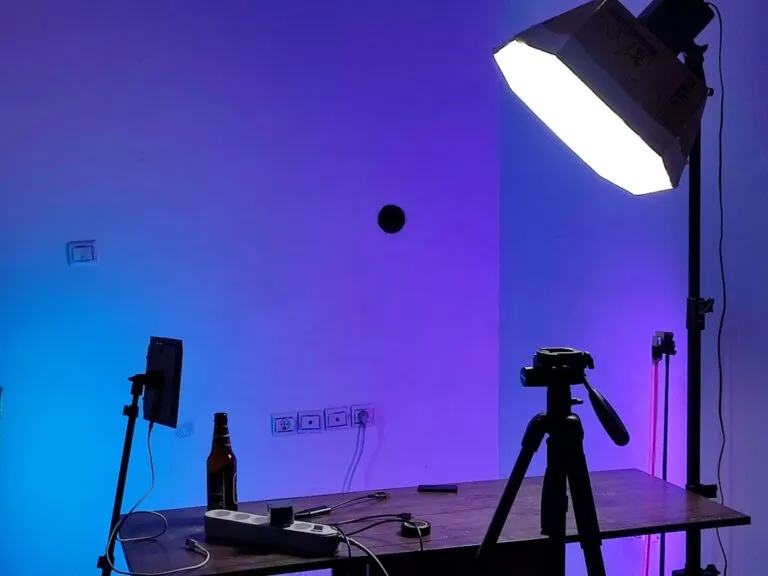
Used together they turn Stable Diffusion from a slot machine into an instrument. A photographer shooting a product setup might feed ControlNet a rough sketch of bottle placement, use IP-Adapter to lock in a reference of the glass’s refraction quality, and layer a LoRA trained on a particular studio’s lighting signature – three separate conditioning channels converging on one controlled frame. This is also where working photographers get real leverage: shoot your own reference on a phone or a DSLR, feed it through IP-Adapter or img2img, and the model extends a real photograph rather than inventing one from scratch. Add inpainting for fixing a stray reflection and outpainting for extending a background beyond its original edges, and the toolkit starts to resemble a full darkroom rather than a novelty generator. Safetensors, the file format most current guides recommend for model security, matters here too – it’s generally understood to store model weights without executable code, which is thought to make it safer than older pickle-based formats, though we’d still treat any downloaded checkpoint or LoRA with the same caution we’d apply to running unfamiliar code.
Where does control actually break down?
Most guides sell precision. What they undersell is how much of that precision still depends on human judgement at the edges – upscaling choice, consistency across a series, and whether we can even reproduce our own result next week.
Conservative upscaling preserves detail fidelity; creative upscaling reinvents texture as it enlarges, which is powerful and also exactly where a series can drift out of visual consistency between frames. The fix isn’t a smarter model – it’s discipline: saving our full workflow graph, not just the final image, the same way a natural-light portrait session lives or dies on someone writing down the window angle and time of day. ComfyUI and the Hugging Face Diffusers library both let us run this locally and openly, which is the real fork in the road for 2026 – hosted services trade convenience for a black box, while local workflows trade setup time for a pipeline we fully own and can rerun identically months later.
What about copyright and commercial use?
This is the part we’d flag before anyone builds a business on it. Licensing terms differ by model and by version – Stable Diffusion’s own commercial terms have shifted more than once, and community fine-tunes trained on scraped datasets carry their own unresolved questions about consent and attribution. The legal status of AI-generated images, and of the datasets used to train the models producing them, is still being tested in courts in multiple jurisdictions, so we’d treat any claim of “fully clear for commercial use” as something to verify against the current licence text rather than take on faith. Practically, that means reading the specific model card before a client project, not assuming last year’s terms still apply.
So – does the model understand light, or does it just remix it?
Neither, cleanly. It has no eyes and no darkroom instinct, but pair it with a photographer’s brief – the seven prompt elements, ControlNet’s structure, a saved workflow – and the noise resolves into something that reads as intentional. Against closed generators like Midjourney or ChatGPT Images, Stable Diffusion’s open licence and offline capability are what let a working photographer build that instinct into a repeatable system rather than rent it by the prompt. That hand-tinted portrait from the opening wasn’t understood by the model that made it. It was directed – by whoever wrote the brief.
Frequently Asked Questions
Q: What hardware do we need to run Stable Diffusion locally?
A: A dedicated Nvidia GPU with 8GB of VRAM handles Medium and Flash models comfortably; Large models are more comfortable with 12GB or more. Without that hardware, hosted platforms or phone-friendly Flash workflows are the more realistic starting point.
Q: What are the seven elements of a strong Stable Diffusion prompt?
A: A well-formed prompt specifies subject, environment, composition, lighting, visual style, camera or medium, and constraints, alongside a negative prompt to exclude unwanted elements.
Q: What’s the difference between ControlNet, IP-Adapter and LoRA?
A: ControlNet conditions output on structural input like pose or depth maps, IP-Adapter conditions on a reference image’s style or subject, and LoRA is a lightweight fine-tune that adds a specific learned look to the base model.
Q: Is it safe to assume Stable Diffusion images are clear for commercial use?
A: Not automatically. Licensing terms vary by model version and by the specific fine-tune, and copyright questions around AI training data are still being contested legally, so checking the current model card before commercial use is worth the five minutes.
Q: Why does the safetensors file format matter?
A: Safetensors is generally understood to store model weights without embedding executable code, which is widely considered safer than older, script-capable formats for downloading and sharing community models – though verifying a model’s source still matters.
Source: https://www.tycoonstory.com/stable-diffusion-ai
This article was researched and written with AI assistance, then reviewed for accuracy and quality. Talulah at Its.That. uses AI tools to help produce content faster while maintaining editorial standards.