
Image: Envato Blog / Ryan Cheng
AI style transfer photography? Picture a portrait shot with an iPhone in a kitchen, harsh overhead light, dull composition – and thirty seconds later, the same face rendered as a Studio Ghibli watercolour, soft washes of colour breathing life into what was once a flat snapshot. Is that cheating? Or is it just a new lens?
We don’t think there’s a wrong answer, but there is a better question: what actually happens when a machine “restyles” a photo, and why does it work so well that professional creators now build entire campaigns around it?
What is AI style transfer in photography?
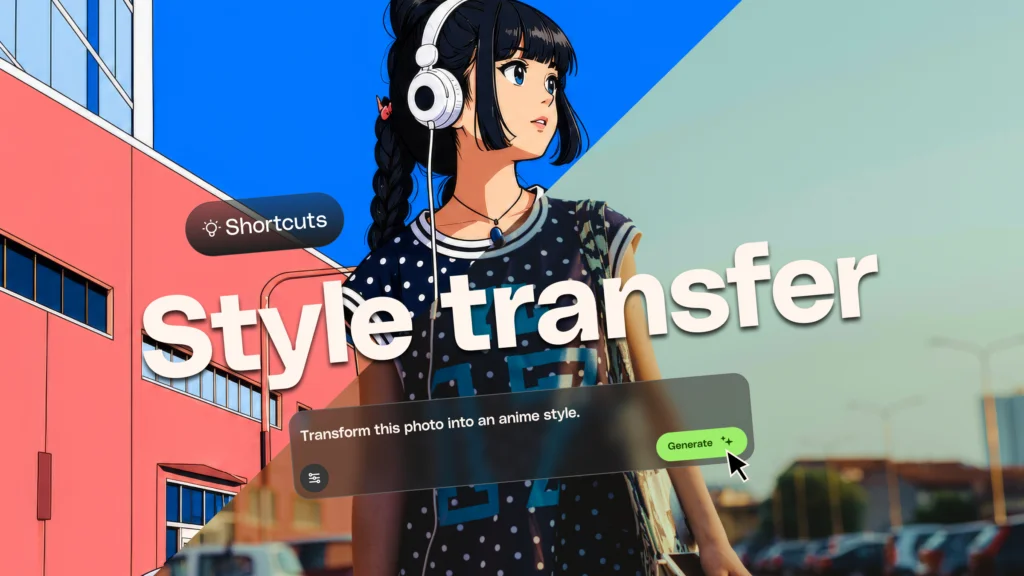
Image: Envato Blog / Ryan Cheng
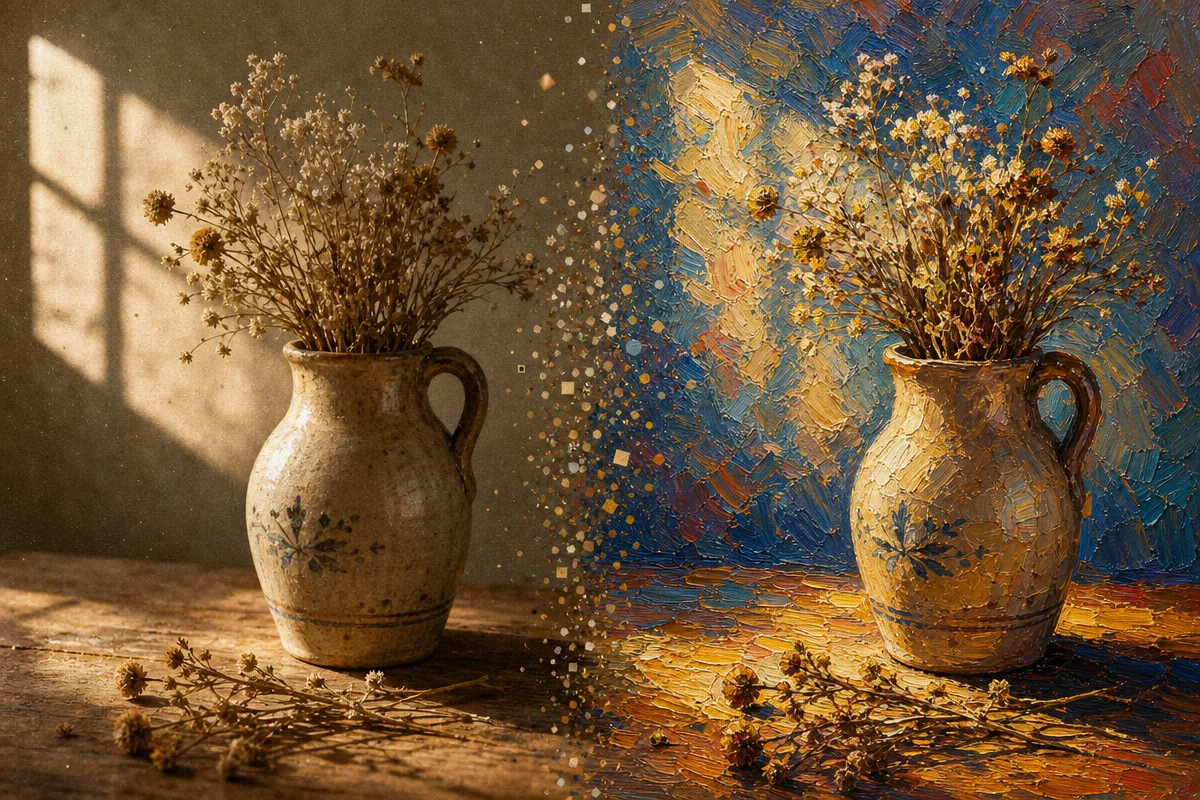
AI style transfer is a technique that takes an existing image and repaints it in the visual language of another image, artwork, or aesthetic – while aiming to keep the original subject and composition intact. Your dog stays your dog. The bones of the shot mostly hold. Only the skin changes.
This is fundamentally different from a filter. A filter shifts hue, contrast, grain – it’s a wash over the surface. Style transfer goes deeper. The AI analyses both images: the source for its content, the reference for its patterns – colour, texture, brushwork, lighting, composition – then rebuilds the original using those stylistic fingerprints. Think of it less like putting on sunglasses and more like asking a skilled illustrator to reinterpret your photo in their hand. The bones stay; the skin changes completely.
Worth saying plainly: how faithfully “intact” the subject and composition remain depends entirely on the tool. Guided platforms like Envato Shortcuts anchor closely to your source image, so a face stays recognisable and a pose doesn’t drift. More generative engines will happily reinterpret a nose, reposition a hand, or invent a background detail that was never there. If identity preservation matters for your project – a client’s product, a recognisable face – test the specific tool on a throwaway image first and check how much it moves before you commit a hero shot to it.
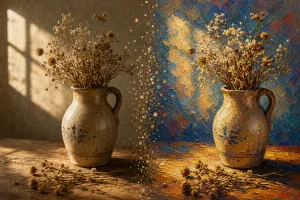
The technique echoes older art-historical instincts. Painters have always borrowed style from one another – Van Gogh’s swirling brushwork, Hokusai’s flattened planes and bold outline, the desaturated grain of 1970s film photography. AI style transfer just compresses that apprenticeship into seconds. Common outputs include anime illustration, watercolour, pencil sketch, and cinematic grade – each carrying its own emotional register. Watercolour softens. Anime simplifies and heightens. Cinematic grading adds weight and drama through shadow.
Does AI style transfer actually save creators time?
Yes – it replaces hours of manual rebuilding or tool-hopping with a guided workflow that takes minutes. That’s the practical case for it, and it’s a strong one.
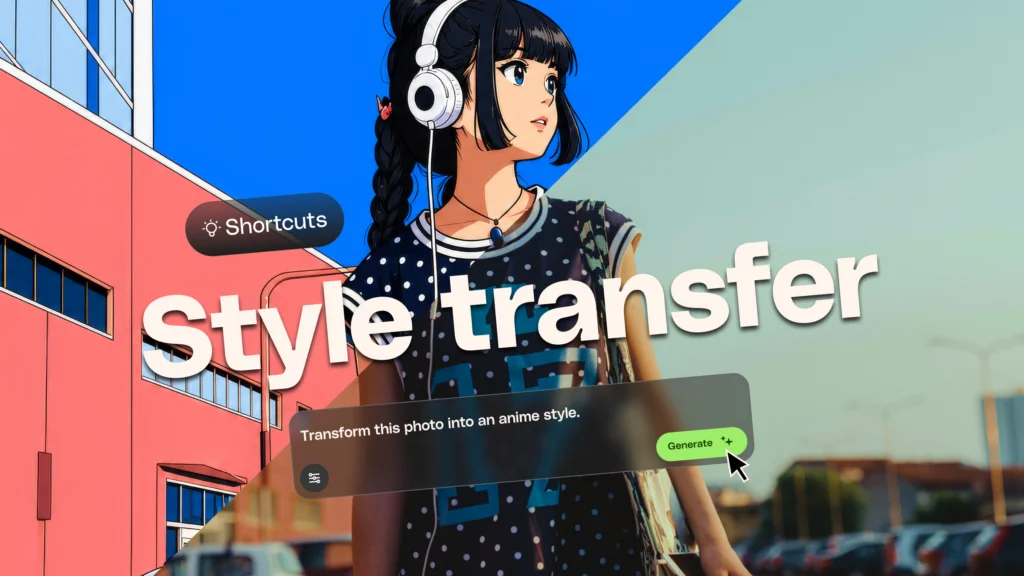
Envato Shortcuts offers exactly this: upload an image, apply a new aesthetic, done. No compositing, no manual brushwork, no fighting with layer blend modes at 2am. For a designer juggling five client concepts before lunch, that speed isn’t a gimmick – it’s the difference between exploring three creative directions and exploring twelve.
The counter-argument is worth naming honestly. Style transfer can flatten nuance. A rushed Ghibli filter on a badly lit photo is still a badly lit photo underneath – just with prettier paint. The best results still start with a well-composed, well-lit source image. If you’re prepping product shots, our guide on product photography trends for 2026 covers the compositional groundwork worth nailing before you touch any AI tool, and understanding golden hour lighting will give the algorithm richer tonal information to work with, not less.
Real use cases bear this out: client concept boards, social campaign variants, product marketing assets, and rapid ideation from a single source photo. A marketing team can take one hero shot and generate five distinct visual directions before a single client call.
Shooting a source image worth restyling
Everything downstream depends on what you feed the model, so treat capture as step one of the style transfer workflow, not a chore before it. Here’s how we shoot a source photo that gives the AI something to work with.
1. Lock your exposure before you shoot. On a phone, tap and hold on your subject’s face until the exposure lock icon appears, then drag the little sun slider until the highlights aren’t blown out. This stops the camera from re-metering between frames and gives the AI a consistent tonal range to read, rather than a photo where the face is either too dark or the window behind it is a white void. On a mirrorless or DSLR, shoot in aperture priority with exposure compensation dialled down half a stop if you’re near a bright window – it protects highlight detail the same way.
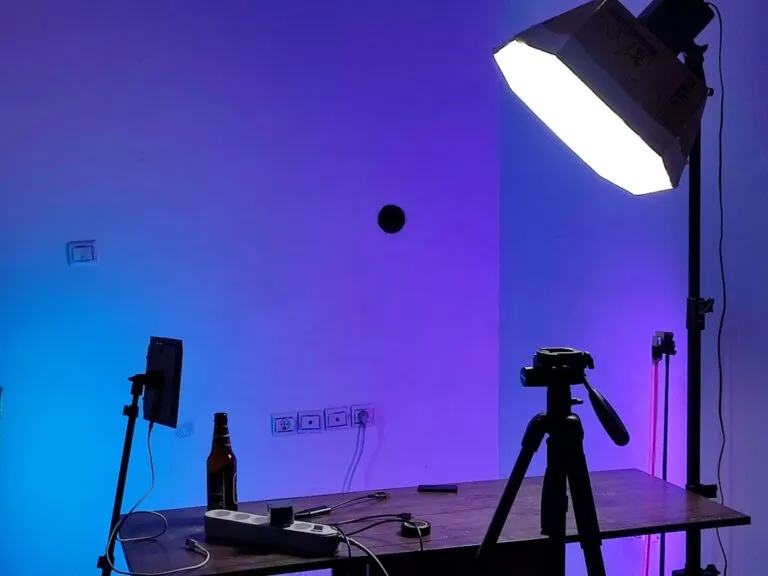
2. Shape the light before you shoot the subject. A single north-facing window is the cheapest lighting rig you’ll ever own – soft, directional, flattering. Turn your subject roughly forty-five degrees to it rather than shooting them face-on to the glare. If natural light isn’t available, an inexpensive LED panel (even a £20 ring light bounced off a wall rather than pointed straight at the face) does the job. Flat, even light photographs like flat, even light no matter what style you apply afterwards – the AI can restyle contrast that exists, but it can’t invent shadow that was never there.
3. Compose with the reveal in mind. Leave a little more headroom or negative space than feels natural. Stylised outputs – especially painterly or anime treatments – tend to add visual weight (brushstrokes, outline, colour blocking) that a tightly cropped frame doesn’t have room to breathe in.
4. Choose your reference by breaking it down, not by vibe. Don’t just search “watercolour style” and grab the first result. Look at the reference image and ask four questions: what’s the palette (warm ochres versus cool blues), what’s the contrast (soft and low, or punchy and graphic), what’s the texture (visible brush drag, halftone dot, film grain), and what’s the composition doing (rule of thirds, centred symmetry, negative space). A reference chosen on those four axes gives the model – and you – a much sharper target than “make it look nice.”
5. Iterate like a director, not a gambler. Run the same source through two or three references and compare them side by side before choosing. Then push one further: adjust prompt language for brushwork density, colour temperature, or grain, and regenerate. This mirrors how workflow chains like Z-Image-Turbo in ComfyUI let you stack transformations for precision rather than relying on a single generation. Style transfer rewards iteration, not impatience.
What most people get wrong about AI style transfer
The mistake is treating it as a one-click endpoint rather than a starting point. The real craft lives in the refinement and the capture, not the button press.
Start with presets to get oriented – anime, watercolour, sketch. Then move to reference images once you know the mood you’re chasing; feeding the AI a specific painting or photographer’s body of work narrows the output dramatically. Finally, layer in custom prompts to control detail: brushwork density, colour temperature, grain.
A note on borrowed style, ethically
Restyling a photo in the spirit of Studio Ghibli or Hokusai sits differently to restyling it in the specific, identifiable style of a living illustrator or photographer who makes their income from that exact visual signature. The former draws on a broad aesthetic tradition; the latter can shade into imitating one artist’s livelihood without credit or consent. If a reference is a named contemporary artist’s distinctive body of work rather than a genre or movement, pause and ask whether that’s the point of the exercise or just the easiest search result.
For client and commercial work, disclosure isn’t optional. Tell the client when a deliverable was produced or substantially altered by AI style transfer, and check the platform’s licensing terms before you use the output commercially – some restrict or prohibit training on and reproducing named artists’ styles. It costs one sentence in a brief and it protects the relationship far more than it costs.
So – cheating, or new lens? Neither. That kitchen-light portrait becomes a watercolour not because a machine tricked the eye, but because it read the image the way a trained illustrator would: subject, light, mood – then rebuilt it in a new hand. The tool changed. The eye behind it still has to know what it’s looking for.
Frequently Asked Questions
Q: What is AI style transfer in photography?
A: AI style transfer is a technique that applies the visual style of one image or artwork to another, while aiming to preserve the original subject and composition. It analyses colour, texture, brushwork and lighting patterns to rebuild the source image in a new aesthetic. How closely identity and composition are preserved varies by tool.
Q: How is AI style transfer different from a normal photo filter?
A: A filter adjusts surface qualities like colour and contrast, while style transfer understands the image’s content and recreates it entirely in a different artistic style, such as watercolour or anime.
Q: What are common uses for AI style transfer in creative work?
A: Creators use it for client concept boards, social media campaigns, product marketing assets, and rapid ideation from a single source photo.
Q: Do I need professional editing skills to use AI style transfer?
A: No. Guided tools like Envato Shortcuts let you upload a photo and apply a new style in minutes. Locking your exposure, shaping the light with a window or an inexpensive LED, and composing with care before you shoot all improve results significantly.
Q: How do I get more control over AI style transfer results?
A: Begin with presets for general direction, use reference images chosen by palette, contrast, texture and composition to narrow the aesthetic, then apply custom prompts to fine-tune details like brushwork and colour temperature. Compare a few outputs side by side before settling on one.
Q: Is it ethical to use AI style transfer to imitate a specific living artist?
A: It’s worth pausing on. Drawing from a broad genre or historical movement is different from replicating one living artist’s distinctive, income-generating style without credit. For commercial work, disclose AI involvement to clients and check platform licensing terms before publishing.
Source: https://elements.envato.com/learn/ai-style-transfer-envato-shortcuts
This article was researched and written with AI assistance, then reviewed for accuracy and quality. Talulah at Its.That. uses AI tools to help produce content faster while maintaining editorial standards.