
\n
Last updated: July 15, 2026
\n
 \n
\n
\nImage: ComfyUI Web / Sergio Valsecchi via Patreon
\n
The graphics hitting the feeds right now look different. Not in a subtle way – in a way that makes you stop scrolling. Chrome Y2K finishes sitting over brutalist compositions. Grimy monochrome with grain so deliberate it reads as texture choice, not artifact. Oversized back prints where the AI distortion and the hand-placed gothic type feel like they were made in the same session, not stitched together across four different apps. We’ve been watching this shift land on streetwear brand accounts for weeks, and the throughline is the same every time: designers are iterating faster, committing harder, and arriving at finished graphics that actually look finished. The tool enabling that is Comfy-Canvas, and it’s worth understanding exactly why.
\n
The Round-Trip Problem – And Why It Killed Creative Momentum
\n
\n
\nImage: ComfyUI Web / Sergio Valsecchi via Patreon
\n
We’ve all lived the broken workflow. Generate something promising, export it, drag it into Photoshop, make adjustments, reimport, re-prompt because the adjustments knocked the composition off, lose another twenty minutes. The idea that felt sharp at the start gets sanded down to something compromised by the third round-trip.
\n
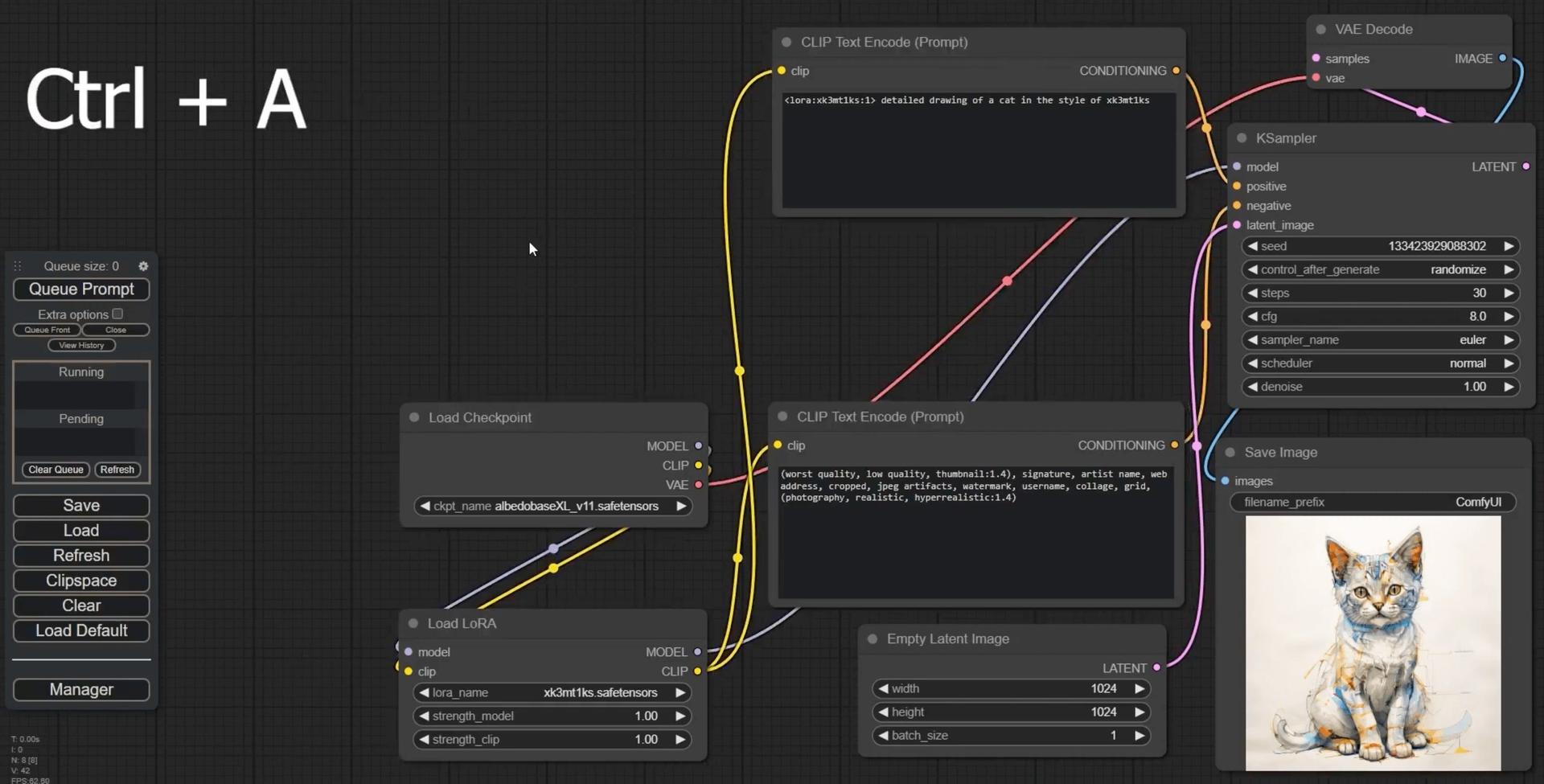
ComfyUI arrived as a fix for the generation side. It’s a node-based AI creation engine – think modular synthesiser for image workflows, every parameter and processing step exposed and adjustable. The community that built around it is extraordinary: over 60,000 custom nodes, thousands of shared workflows, adoption across VFX studios, advertising agencies, gaming pipelines, and fashion teams. The control it offers is the reason serious creative operations use it rather than a prompt box. But until recently, the editing still happened elsewhere.
\n
Design direction: A fake vintage electronics brand treatment – chrome gradients, circuit-board micro-detail, distorted serif logo marks. Bold sans overlay on a heavily processed AI-generated product shot. This is the aesthetic that reward the kind of precise parameter control ComfyUI makes possible, and it’s landing hard on the oversized tee silhouette right now.
\n
Comfy-Canvas: Editing Inside the Pipeline
\n
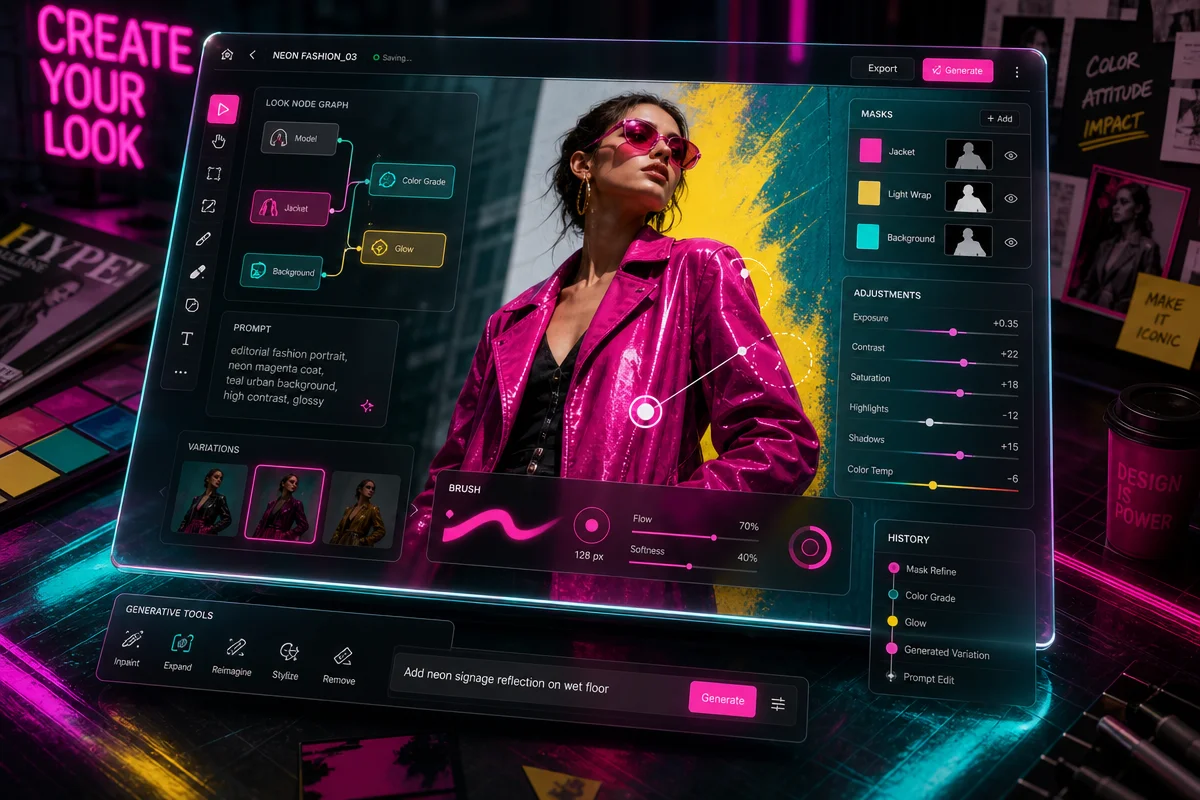
Comfy-Canvas collapses the round-trip. It’s an interactive editing layer built directly on top of ComfyUI workflows, letting us manipulate AI-generated images in real time in the browser without leaving the generation pipeline. Edit, refine, iterate – all inside the same environment that produced the image in the first place. The Canvas Tab extension takes a similar approach, embedding a full image editor with masking capabilities directly inside the canvas.
\n
This matters less as a software architecture change and more as a speed change. When the gap between generation and editing closes to zero, designers stop hedging. You commit to the washed sage and ecru palette because you can adjust the saturation balance in browser before the idea goes cold. You push the acid-washed neon further because dialling it back takes seconds, not a round-trip through Lightroom.
\n
There’s also an App Mode – a simplified view of workflows that strips away the node graph entirely for creative professionals who aren’t machine learning engineers. We don’t need to understand transformer architectures to use this. We need to know what looks right.
\n
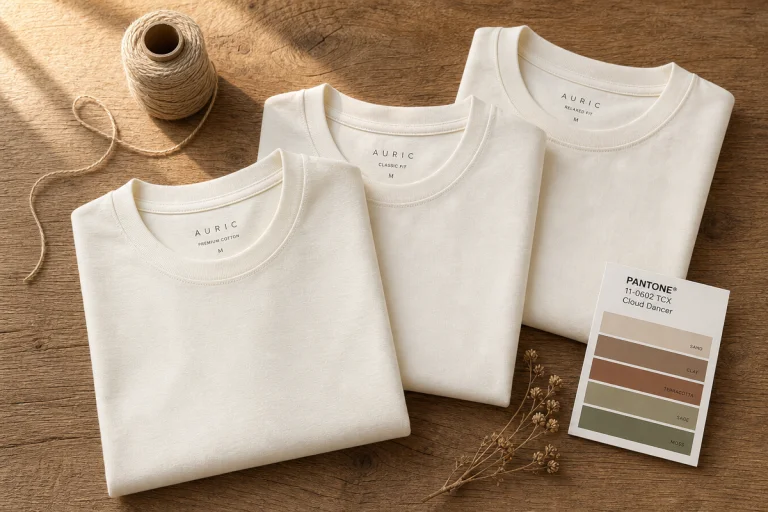
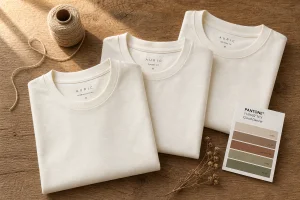
Design direction: Washed sage over ecru base, cracked texture overlay, small gothic script placed centre-chest. Think quiet luxury gone slightly wrong – the kind of tee that reads premium from a distance and strange up close. The in-canvas masking tools in Comfy-Canvas are exactly what makes the texture-plus-type relationship achievable without manual compositing.
\n
The Aesthetics This Unlocks
\n
Here’s what the speed increase is actually producing on the design side, and where we’re seeing the most interesting output land.
\n
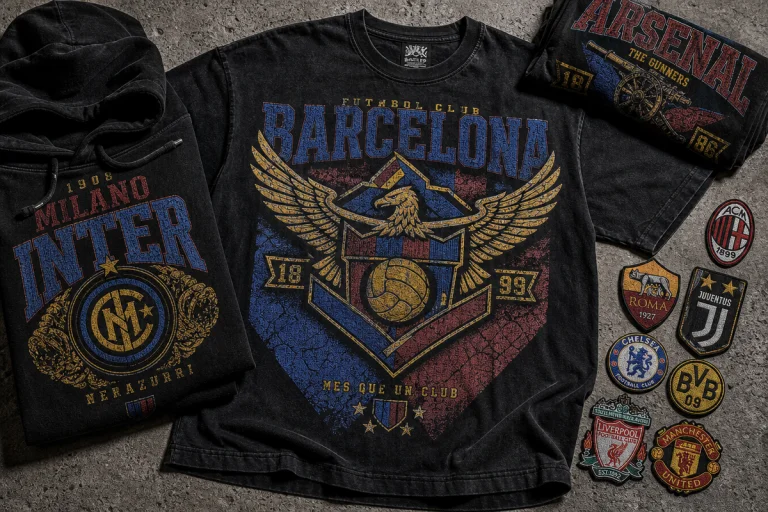
Chrome and Y2K distortion. The liquid metal finishes and iridescent surfaces that have been creeping back since 2024 are now sophisticated enough to anchor a full graphic. We’re seeing them paired with brutalist composition – asymmetric layouts, clipped letterforms, reference imagery that reads archival. The combination of AI-generated chrome texture and deliberately rough type placement is the current peak of this. Bootleg sports mark treatment, oversized placement, back print with a small hit on the chest. That’s the tee.
\n
Grimy monochrome. High-contrast black and white with deliberate grain – not the clean vector monochrome of ten years ago, but texturally dense, almost photocopied. Cultural anchor: the 1990s music merchandise bootleg, filtered through the kind of precise noise and grain control that Comfy-Canvas makes adjustable in real time. Gothic lettering dropped over algorithmically generated backgrounds, cracked ink simulation, half-tone bleeds. For gothic typography streetwear AI prompts, the ability to iterate on type placement directly inside the generation pipeline without losing the grain story is exactly what makes this achievable at the speed streetwear requires.
\n
Collage-heavy back graphics. The oversized back print with a smaller chest hit is still the dominant format, but the collage approach – layered imagery, competing textures, multiple type treatments at different scales – is getting bolder. This is the graphic language where real-time in-canvas masking pays off most visibly. The kind of multi-element composition that used to require Photoshop with fifteen adjustment layers can now be tested, adjusted, and committed to in the browser. Top Motion Graphics Companies in 2026 are folding similar node-based pipelines into identity work – the aesthetic convergence between digital motion and print graphics is tighter than it’s ever been.
\n
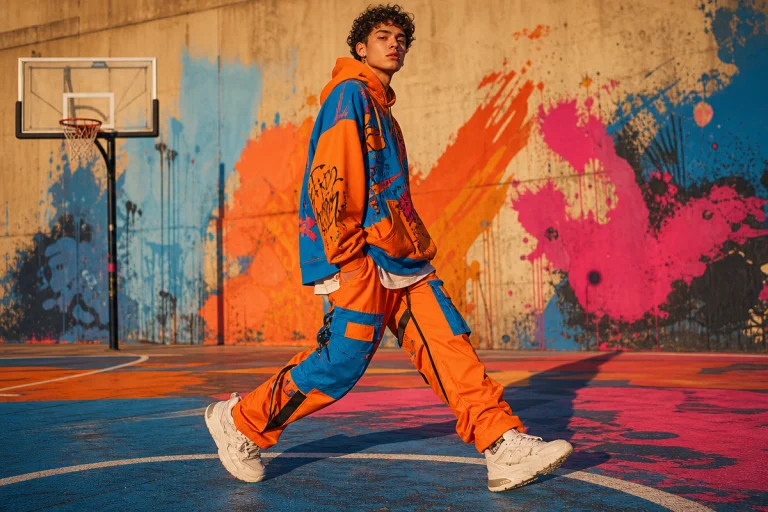
Design direction: Oversized back graphic, collage construction – torn edge imagery, mixed type scales, one dominant graphic element and four competing secondary ones. Acid-washed neon palette, intentionally unresolved layout. Small tonal hit on the left chest. The fake merch lockup version of this – like a band tee for a band that doesn’t exist – is the variant we’d lead with.
\n
What This Means for How We Design
\n
We’re not talking about a tool update. We’re talking about a pace change – and pace is what print-on-demand lives and dies on. The designers putting the sharpest AI-generated graphics on the feeds right now aren’t spending two hours in Photoshop after every generation. They’re iterating inside the pipeline, in real time, making more committed aesthetic decisions because the cost of adjusting them is lower.
\n
The practical result: colour stories get bolder. Textures get more deliberate. The gap between the idea and the finished graphic – always the place where the sharp version of a design gets negotiated down to something safer – gets smaller. For anyone building a streetwear brand where the visual identity is the product, that’s the advantage that actually compounds. If you’re calibrating your aesthetic reference points alongside the tooling, The Ultimate Streetwear Style Guide for Men in 2026 is worth reading alongside watching what’s moving on the software side – because the aesthetics and the tools are running in lockstep right now.
\n
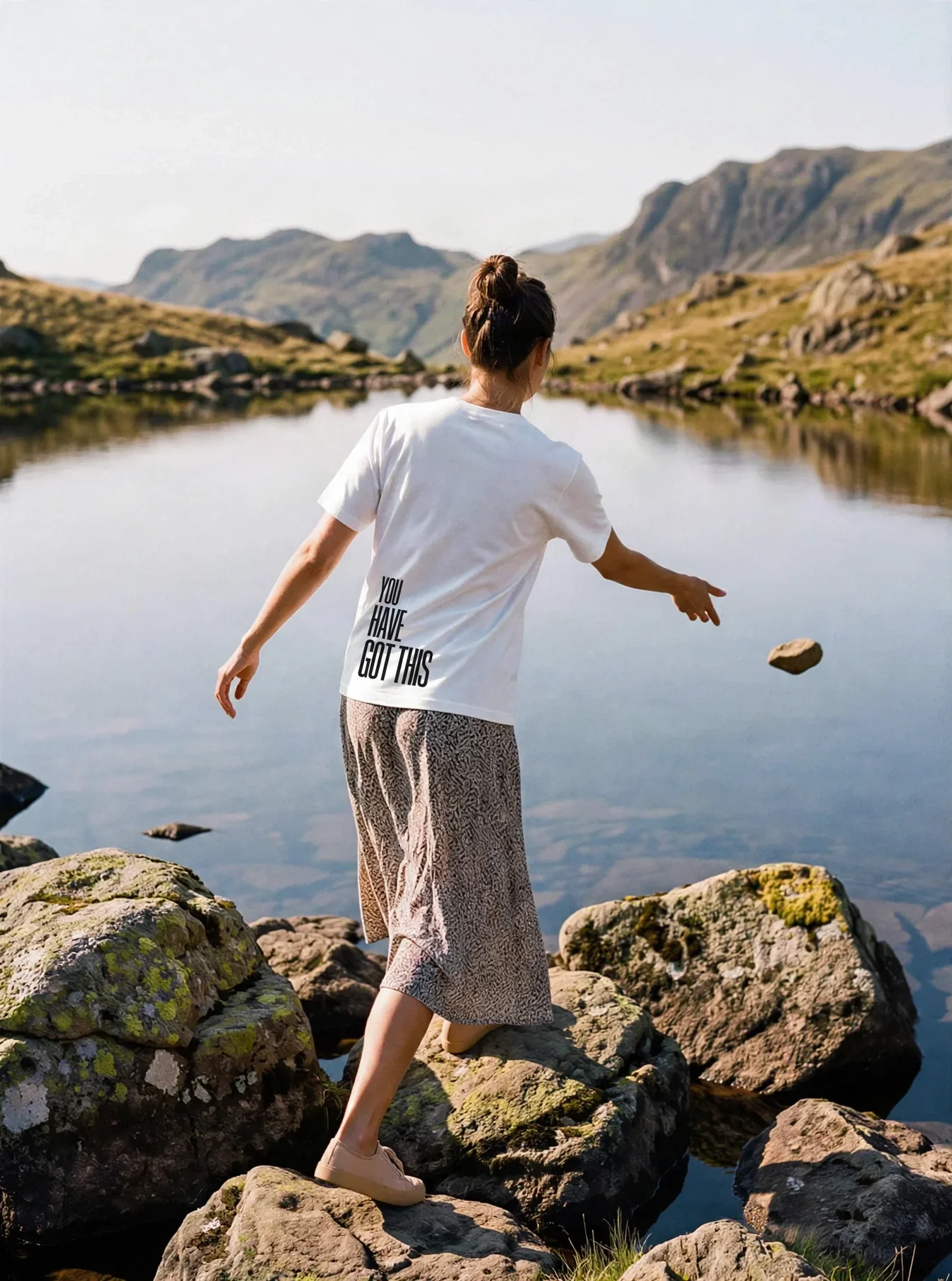
Design direction: Bold sans-serif text tee, single statement line, offset placement. One heavily textured AI-generated background element sitting behind the type, colour-matched to a deliberate palette – washed blue-grey, or high-contrast monochrome with a single neon accent. No decoration beyond the main graphic. The confidence of the design comes from the commitment of the colour story, which is exactly what real-time in-canvas iteration makes possible.
\n
\n
Frequently Asked Questions
\n
Q: What is Comfy-Canvas and how does it work?\nA: Comfy-Canvas is an interactive editing layer built on top of ComfyUI workflows that allows designers to manipulate AI-generated images in real time directly in the browser, without needing to export files to external editing software.
\n
Q: What is ComfyUI interactive image editing and who is it for?\nA: ComfyUI interactive image editing refers to the ability to modify and refine AI-generated images within the ComfyUI node-based pipeline itself. It’s used by designers across fashion, gaming, advertising, and VFX – and tools like Comfy-Canvas extend this to non-technical creatives via simplified App Mode views.
\n
Q: Do I need to be a machine learning engineer to use Comfy-Canvas?\nA: No. Comfy-Canvas includes an App Mode that presents a simplified, non-technical view of workflows, making it accessible to fashion and creative professionals who don’t have an ML engineering background.
\n
Q: How does this kind of tool change print-on-demand t-shirt design workflows?\nA: It removes the round-trip between generation and post-processing, letting designers iterate on colour palettes, compositions, and texture in real time. This means faster creative decision-making and more deliberate aesthetic choices without losing momentum between steps.
\n
Q: How large is the ComfyUI ecosystem?\nA: ComfyUI has a substantial community-built ecosystem comprising over 60,000 nodes and thousands of shared workflows, giving designers fine-grained control over every aspect of the image generation and editing process.
\n
Source: https://www.patreon.com/SergioValsecchi/posts/comfy-canvas-for-143628653
\n
This article was researched and written with AI assistance, then reviewed for accuracy and quality. Maya at Its.That. uses AI tools to help produce content faster while maintaining editorial standards.
\n