![10 Best AI T-Shirt Design Tools [50 Prompts Tested, 2026]](https://itsthat.shop/wp-content/webp-express/webp-images/doc-root/wp-content/uploads/2026/08/promo.png.webp)
\n
Last updated: August 1, 2026
\n
 \n
\n
\nImage: MerchBanao
\n
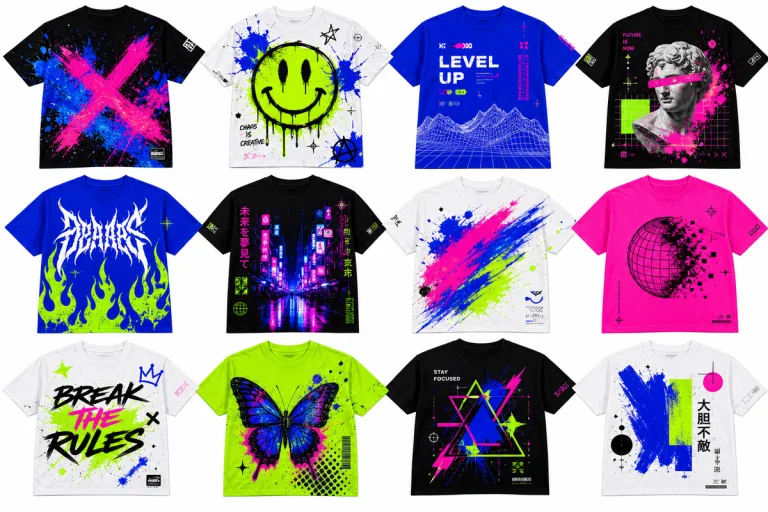
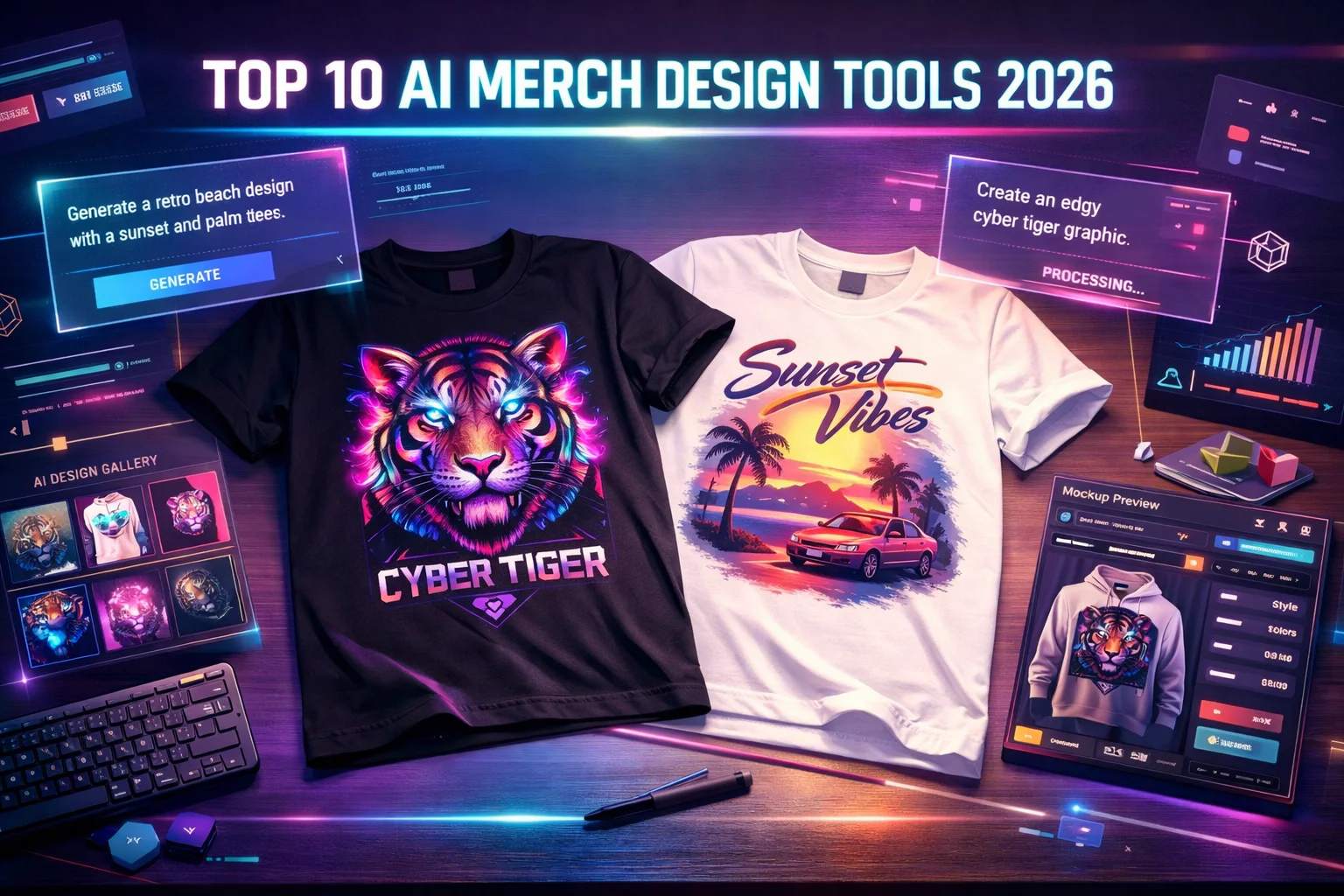
Scroll TikTok for thirty seconds right now and you’ll see it. Oversized tees with grainy, washed-out graphics sitting three sizes big on the shoulder. Chrome butterfly prints with that hyper-saturated Y2K finish. Brutalist type stacks – heavy black sans-serif, chaotic kerning, borrowed from energy drink packaging and 1990s hardcore show flyers. And behind all of it, a quiet fact the accounts never mention: most of these drops were built with AI tools, a tight brief, and a print spec. No studio. No freelancer. No waiting three weeks for a mood board response.
\n
In 2026 the question isn’t whether AI belongs in your design workflow. It’s which tool produces which aesthetic – and whether you know the difference well enough to brief one properly.
\n
We ran fifty prompts across the main contenders. Same brief, same formats, logged against five distinct visual lanes that are currently dominating merch culture. Here’s what we found.
\n
\n
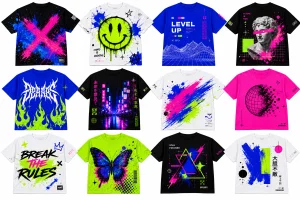
The Five Visual Lanes Defining Merch in 2026
\n
 \n
\n
\nImage: MerchBanao
\n
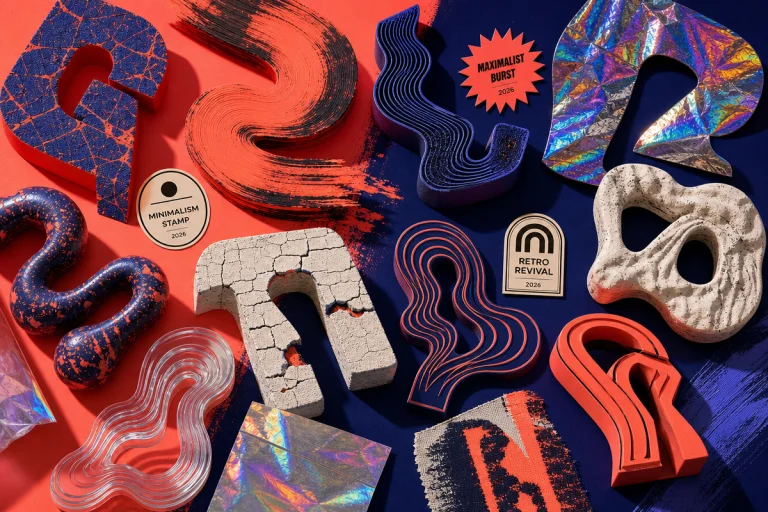
Before we get to the tools, you need to know what you’re actually designing for. These are the aesthetics moving units right now.
\n
Washed Bootleg Sportswear. Distressed department-store lettering, faded collegiate graphics, fake licensing text in small caps. Palette: slate blue, ash, bone white, heavy black. Print placement: oversized left-chest hit or full back graphic with intentional bleed. Cultural root: the counterfeit Champions and cracked Nike sweats that circulated on Depop 2019-2022, now rebuilt with intentional craft.
\n
Chrome Y2K Fantasy. Reflective finishes, butterfly and star motifs, iridescent gradients on dark bases. Palette: silver, hot pink, electric blue, deep black. Print placement: centred front graphic, medium scale – big enough to read on a rack, tight enough to feel precious. Cultural root: early 2000s Von Dutch energy filtered through hyperpop album artwork and current Korean streetwear.
\n
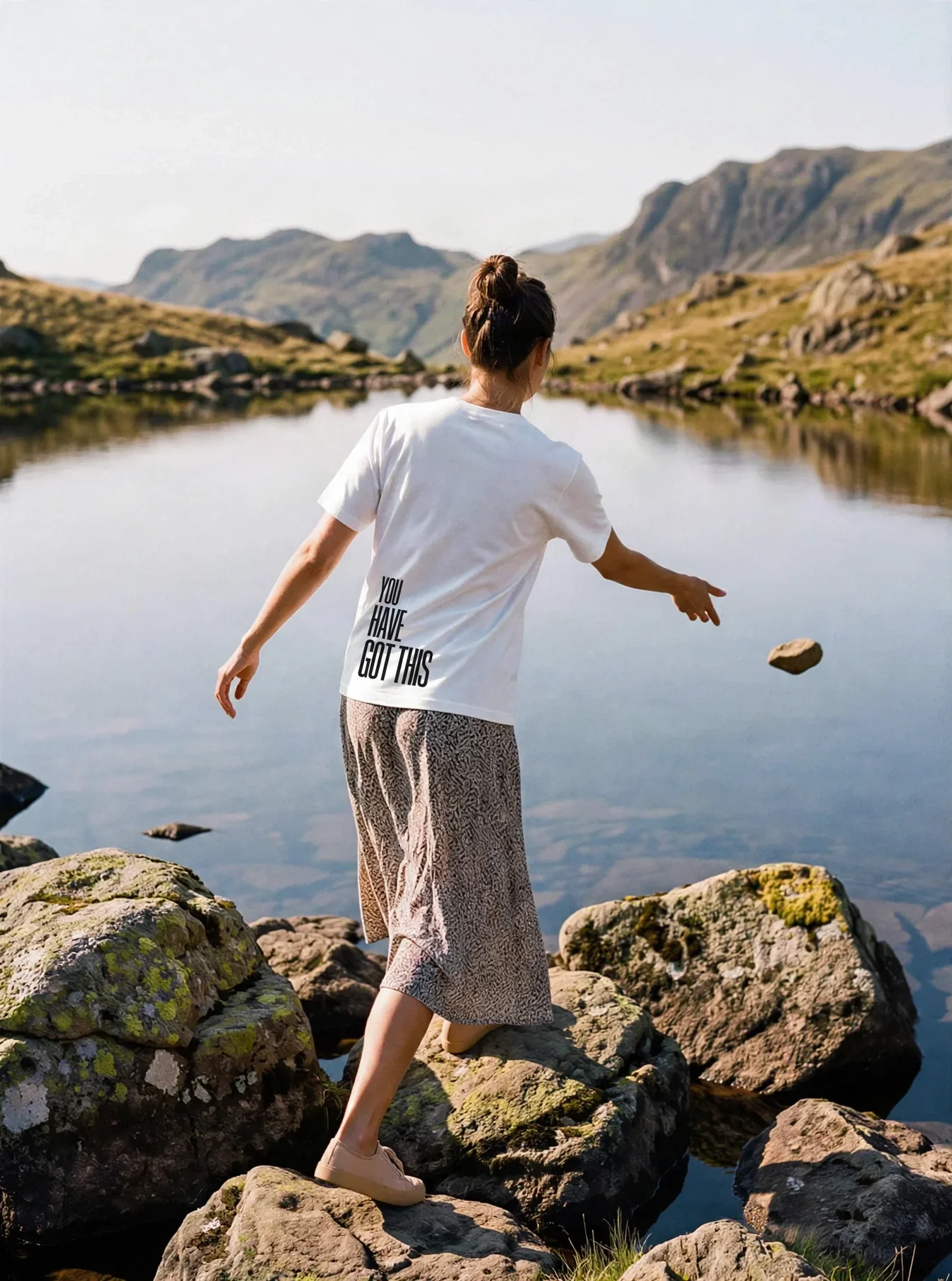
Brutalist Type. Heavy, stacked lettering with no apology. Single words or short phrases, maximum optical weight. Palette: black on white, white on black, occasionally washed olive or rust. Print placement: this is almost exclusively a centred chest hit – 72-point equivalent, clean margins, nothing competing. Cultural root: Constructivist print history meets 1990s hardcore zines, currently exploding on the feeds of creators like @createwithalena whose cyanotype riso content is pulling 25k likes per post.
\n
Manga-Zine Collage. Halftone panels, lo-fi illustration, photocopy texture, layered type fragments. Palette: risograph blue, red, warm grey, cream. Print placement: full back graphic or wrap-around all-over print. Cultural root: 1990s zine culture rendered in tools that didn’t exist until 2024.
\n
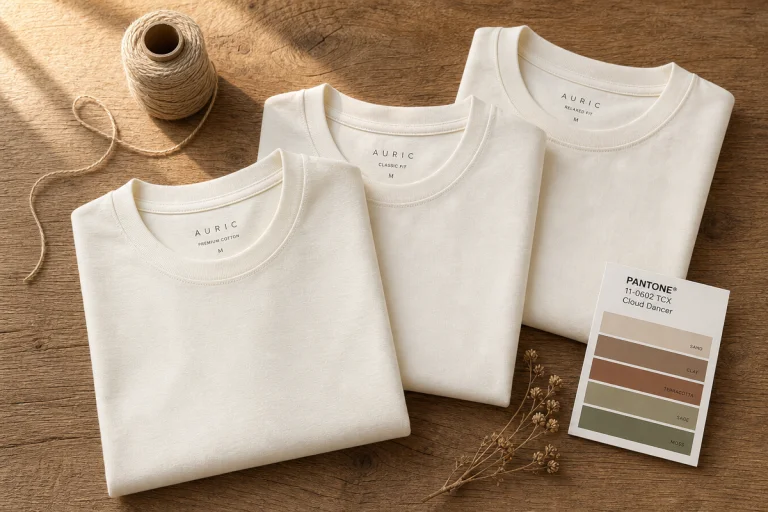
Luxury Minimal Text. A single word or small logo mark, set in an elevated serif or refined sans. Palette: ecru, stone, olive, navy. Print placement: small left-chest hit, or embroidered equivalent position on a heavyweight blank. Cultural root: the quiet luxury wave translated from outerwear to everyday cotton.
\n
\n
The Tools, Matched to the Lane
\n
Midjourney v6 – Chrome Y2K Fantasy and Manga-Zine Collage
\n
This is the tool that built the visual language you’ve been staring at on Reddit’s streetwear threads for the past eighteen months, even when nobody admits it. Midjourney v6’s saturated, painterly output is unmatched for the Y2K chrome lane and manga-zine collage work. Feed it “iridescent chrome butterfly, Y2K aesthetic, transparent background, fashion graphic” and the referential accuracy is uncanny. It understands the visual grammar of a faded sports-department logo from 1987. It knows what a counterfeit Champion tag looks like.
\n
Where it falls short: resolution. Midjourney v6 output typically needs upscaling before going to a DTG printer at full back-graphic scale. Build upscaling into your workflow from the start – Leonardo.AI or standard Topaz passes work well. For print placement, this tool is strongest for centred front graphics and full back graphics where the painterly texture reads as intentional craft rather than compression artefact.
\n
Prompt that worked: “Washed bootleg varsity graphic, cracked screen print texture, faded blue on ash grey, 1987 collegiate sports aesthetic, transparent background, no text.”
\n
\n
Adobe Firefly – Luxury Minimal and Washed Bootleg
\n
If you’re already in Creative Cloud, Firefly is the professional answer and there’s no caveat to that position. Commercial licensing is the clearest of any tool we tested – built on licenced and public domain content, commercial use covered without ambiguity. Output integrates directly into Illustrator, which matters when you’re cleaning up a graphic for print production rather than just generating content.
\n
Firefly sits in the luxury minimal lane and the cleaner end of washed bootleg. It doesn’t do chaotic especially well – the output tends toward the polished and resolved, which is a liability for grunge aesthetics but an asset when you need a small serif mark that will hold up on a heavyweight cotton blank at a 3cm print size. Resolution holds at large print scale without a separate upscaling step.
\n
For a brand building in the quiet-luxury-to-everyday direction – think the kind of piece that reads differently on and off a hanger – Firefly is the only tool we’d trust for the graphic stage without a manual quality pass.
\n
\n
Kittl – Brutalist Type and Washed Bootleg Sportswear
\n
Typography is the main character in 2026 merch and Kittl is the only tool we tested that actually understands why. The AI-assisted templates are decent, but the font and layout control layered on top is what makes it irreplaceable for text-dominant work. You can push the AI output toward stacked Varsity meets vernacular print shop without three rounds of manual correction in a separate editor.
\n
For the brutalist type lane specifically – heavy sans-serif, single word, maximum contrast – Kittl is the strongest dedicated option by some distance. Where most generators either centre a word and call it typography or produce something that reads as a logo draft rather than a garment graphic, Kittl’s type handling produces output that’s genuinely print-ready at the brief stage.
\n
Print placement for this aesthetic is almost entirely front chest. One word, 72-point optical equivalent, set in something with real weight. Negative space is doing half the work – don’t let the tool fill it.
\n
For a broader look at where typographic merch sits within streetwear outfits in 2026, the consistent principle is heavyweight cotton, high contrast, and a single design decision executed with complete conviction.
\n
\n
MerchBanao – The Production Workhorse Across All Lanes
\n
MerchBanao is not a single-aesthetic tool and that’s the point. For POD brands running multiple drops across different visual identities, the speed of the workflow is the value proposition – text prompt to print-ready file in under sixty seconds, no design background required.
\n
We tested it across all five lanes. The output sits in the middle tier aesthetically – not as painterly as Midjourney, not as typographically controlled as Kittl – but consistently usable for production without a lengthy cleanup pass. Where it earns its position is the all-in-one pipeline: brief, generate, adjust, export, straight to your print partner. For brands that need volume across a collection rather than a single hero graphic, that workflow saves hours.
\n
MerchBanao’s commercial terms in the paid tier cover what you need, and the mockup integration is solid for marketplace listings.
\n
\n
Leonardo.AI – Manga-Zine Collage and All-Over Print
\n
Resolution and texture control are Leonardo.AI’s specific advantages and if you’re working in the manga-zine lane or commissioning all-over prints, those advantages matter more than the headline aesthetic quality. The upscaling tools are meaningfully better than the alternatives we tested – you can take an output from medium resolution to true print quality without the artefacting that plagues most generators at large scale.
\n
For all-over prints and large back graphics, this is the tool we’d recommend even if you’re generating the initial concept elsewhere. The texture handling in the halftone and lo-fi illustration registers is also genuinely good – it produces the grain and bleed that makes a zine-aesthetic graphic feel hand-made rather than AI-smooth.
\n
If you’re building something like a custom bootleg tee with a deliberate off-brand treatment, the combination of Leonardo’s texture control and Midjourney’s referential accuracy – generate in Midjourney, upscale and refine in Leonardo – produces the strongest output we tested.
\n
\n
Canva – Entry Lane for Brands Still Finding Their Aesthetic
\n
Canva is where you start when you don’t yet know what lane you’re building in. AI image generation, background removal, and ready-made merch templates in a single browser tab – it’s the lowest-friction path from no design experience to something that can go on a product listing. The output ceiling is lower than every other tool on this list, but the floor is significantly higher than starting from nothing.
\n
For established brands, Canva’s value is speed of iteration rather than quality of output – it’s the fastest tool for the prompt-to-mock loop when you’re testing aesthetics rather than finalising production files.
\n
\n
What the Prompt Testing Told Us
\n
Fifty prompts across five lanes produced a clear pattern: the tools that understand cultural reference – that know the visual difference between a 1987 collegiate sport graphic and a 1994 hardcore flyer – produce output you can actually use at the brief stage. The tools that don’t produce polished images that have no relationship to a specific aesthetic moment.
\n
The brief still has to come from somewhere human. Palette, type treatment, cultural reference, print placement – that’s the design thinking that makes a good AI output rather than a generic one. The brands using these tools well aren’t outsourcing their creative judgement. They’re moving faster with it.
\n
For a wider look at how the design stack connects to publishing and distribution, our roundup of AI fashion workflow tools in 2026 covers the full pipeline from ideation through to live listings.
\n
\n
Mockup Tools: BulkMockup and MockupAI
\n
One thing the design tools don’t cover: seeing your graphic on an actual product. BulkMockup and MockupAI are the current standard for batch mockup generation – both let you drop a graphic onto realistic product photography across multiple colourways in minutes. That used to take most of a working day. For marketplace listings across a full collection, the time saving is the entire argument.
\n
\n
Before You Commit to a Tool: Four Actual Questions
\n
Is the output commercially licenced? This is still a genuine grey area across the industry. Adobe Firefly is the clearest answer. MerchBanao and Kittl cover commercial use in their paid tiers. Check the terms before you print.
\n
Does the resolution hold at 300dpi? A file that looks sharp on screen can be unusable at print size. Leonardo.AI and Adobe Firefly handle this without a separate step. Most of the faster generators don’t.
\n
How many rounds does it take to reach a usable file? The prompt-to-final-file loop is where time actually goes. Count the passes, not the headline generation speed.
\n
Does it connect to your POD workflow? Mockup generation is a separate step. Build it into the process from the start rather than discovering the gap at the listing stage.
\n
Source: https://merchbanao.com/blog/top-10-ai-merch-design-tools-2026/
\n
This article was researched and written with AI assistance, then reviewed for accuracy and quality. Maya at Its.That. uses AI tools to help produce content faster while maintaining editorial standards.
\n