





\n
Frequently Asked Questions
\n
Last updated: March 27, 2026
\n
Q: What is the best camera mode for photography tutorials beginners should start with?\nA: Aperture Priority (A/Av) is the recommended starting mode – it gives you control over depth of field while the camera handles shutter speed automatically, reducing the number of variables to manage as you build confidence.
\n
Q: Do I need a DSLR to learn photography properly?\nA: No. Modern smartphones with pro camera apps support RAW capture, manual aperture, and ISO control. The techniques in this guide – exposure triangle, rule of thirds, golden hour, and frame-filling – apply equally to phone and dedicated camera photography.
\n
Q: Why does RAW look worse than JPEG straight out of camera?\nA: RAW files are unprocessed sensor data – flat and neutral by design. JPEGs have sharpening, contrast, and colour profiles baked in by the camera. Apply a base profile in Lightroom or similar software and you will have far more control over the final result than JPEG ever allows.
\n
Q: How long does it take to master these five techniques?\nA: Most photographers find they can internalise one technique per week with deliberate practice – roughly 50 focused frames per technique. Competence across all five typically develops within four to six weeks of consistent shooting.
\n
Q: Is golden hour photography only for landscapes?\nA: No – golden hour light flatters almost any subject. Portraits, street photography, architecture, and even product shots placed near windows during that period all benefit from the warm, low-angle illumination that eliminates harsh shadows and adds depth.
\n
 \n
\n
\nImage: LensClear\n
 \n
\n\nImage: LensClear
\n
Picture a golden field at 6:47 in the morning. The sun sits just above the horizon, casting long warm shadows across the grass. A subject stands at the intersection of two grid lines on the camera screen, face turned slightly away, the background dissolving into a soft cream blur. The exposure is perfect – not by accident, but because we understood three numbers and knew exactly how to balance them. That image is well within reach.
\n
Whether we are picking up a camera for the first time or working through our first hundred frames, these photography tutorials for beginners will give us a deliberate, repeatable foundation. In 2026, with AI-assisted editing tools lowering the barrier to polished images, the photographers who stand out are those who understand why a photograph works – not just how to fix it afterwards. These five techniques build that understanding from the ground up.
\n
Prerequisites – What We Need Before We Start
\n
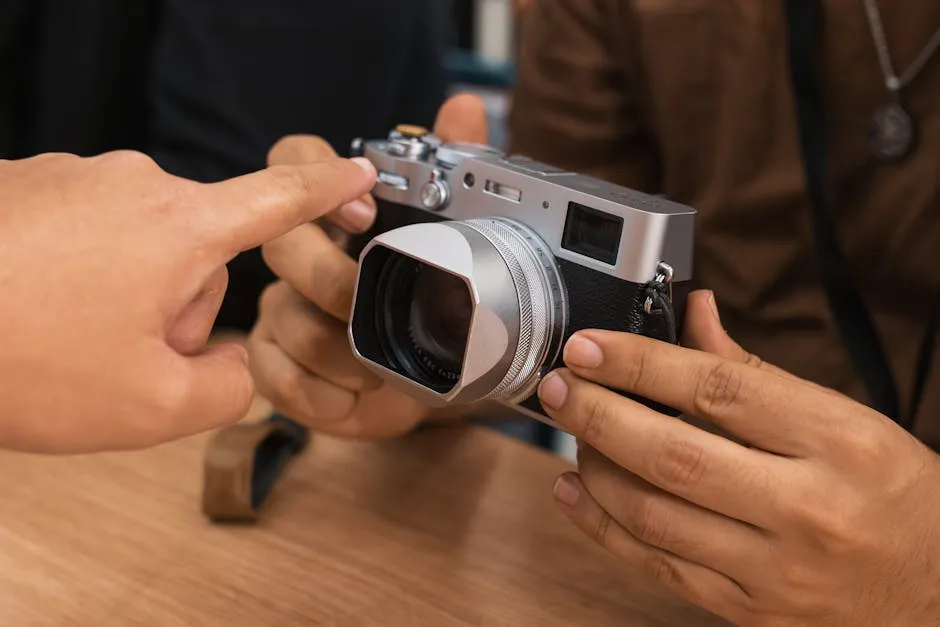
We need a camera with manual or semi-manual modes. A modern smartphone with a pro camera app – Halide or ProCam on iPhone, or the built-in Pro mode on a Pixel or Samsung Galaxy – will handle every technique here. Entry-level mirrorless cameras such as the Sony ZV-E10 or Canon EOS M50 Mark II are excellent starting points if we want a dedicated body. A tripod or stable surface helps for low-light experiments. Download your camera’s manual as a PDF; it is the most overlooked free resource in photography. No special editing software is required yet, though we will return to why Lightroom or its free alternatives matter later.
\n
Step 1: Understand the Exposure Triangle
\n
The exposure triangle – aperture, shutter speed, and ISO – is the grammar of photography. Every camera decision we make traces back to these three controls. Aperture governs how much light enters the lens and how much of the scene stays sharp. Shutter speed controls how long the sensor is exposed, freezing or blurring movement. ISO determines the sensor’s sensitivity to light, with higher values introducing grain.
\n
These three values are not independent. Brighten the scene by opening the aperture, and we must compensate by shortening the shutter speed or lowering the ISO, or the image blows out. Think of it like a recipe: the ingredients change, but the ratio must stay balanced. The Ansel Adams zone system was built on exactly this kind of deliberate exposure thinking – understanding the relationship between light and shadow before pressing the shutter.
\n
On a phone, the same logic applies. In Halide or ProCam, we control ISO and shutter speed manually. Start with ISO 100 in bright conditions, and raise it only when the shutter speed drops below what the scene requires.
\n
Step 2: Start with Aperture Priority Mode
\n
The most effective shortcut for new photographers is to begin in Aperture Priority mode (labelled A or Av on most cameras). We set the aperture; the camera calculates shutter speed automatically. This removes one variable while we focus on learning what aperture actually does.
\n
For portraits and close-up work, use f/1.8 to f/2.8. At these wide apertures, the background separates from the subject and falls into a pleasing blur – the bokeh effect we see in professional headshots and editorial portraits. For landscapes where everything from the foreground rocks to the distant ridge needs to be sharp, close down to f/8 to f/11. The depth of field expands, and the entire scene snaps into focus.
\n
One practical safeguard worth enabling early: set a minimum shutter speed alongside Auto ISO. On Sony bodies, this lives under ISO Auto Min. SS; on Canon, it is in the ISO Auto menu. A working rule is to keep shutter speed above 1/focal length – so 1/50s on a 50mm lens, 1/100s on a 100mm. This prevents camera shake from softening images when the aperture mode selects a slower speed than our hands can hold steady.
\n
Step 3: Compose with the Rule of Thirds – and Understand When to Break It
\n
Enable the grid overlay on your camera or phone display – it divides the frame into nine equal sections with two horizontal and two vertical lines. Place your subject at one of the four intersections where the lines cross, or along a line rather than dead centre. Do this consistently and our images will feel balanced and dynamic without us being able to explain exactly why.
\n
This is not a new idea. Renaissance painters used the same proportional logic – compositional weight distributed across the canvas rather than anchored to the middle. Photographers like Henri Cartier-Bresson used spatial tension between subject and negative space to build anticipation within a single frame. The rule of thirds is the entry point to that tradition.
\n
It is worth noting the common misconception here: centred compositions are not inherently wrong. Diane Arbus used a confrontational central gaze to strip away the comfort of conventional framing. Symmetry creates formality; asymmetry creates energy. The rule of thirds is a default to return to when a composition feels flat, not an absolute law.
\n
Step 4: Understand Colour and Mood Before You Touch a Preset
\n
Before we reach for a preset or a filter, we need to understand what colour is actually communicating in our images. Warm tones – amber, gold, terracotta – read as intimate, nostalgic, and alive. Cool tones – slate, blue-grey, soft teal – feel calm, considered, and slightly melancholic. The colour temperature of our light source determines the emotional register of the photograph before any editing decision is made.
\n
This is why photographers from William Eggleston to Wolfgang Tillmans were so deliberate about the light they chose to shoot in. Eggleston’s deadpan colour studies of the American South are saturated with the specific warmth of afternoon tungsten and fading daylight. We can access that same intentionality by deciding, before we shoot, what feeling we want the image to carry – and then choosing our light accordingly.
\n
Practically: warm morning light reads as hopeful. Overcast diffused light reads as honest, documentary, neutral. Blue-hour light (the twenty minutes after sunset before full dark) produces a soft, slightly melancholic quality that works particularly well for environmental portraits. Knowing this allows us to match our shooting window to the mood we are after, rather than accepting whatever the day gives us.
\n
Step 5: Prioritise Light – Shoot at Golden Hour
\n
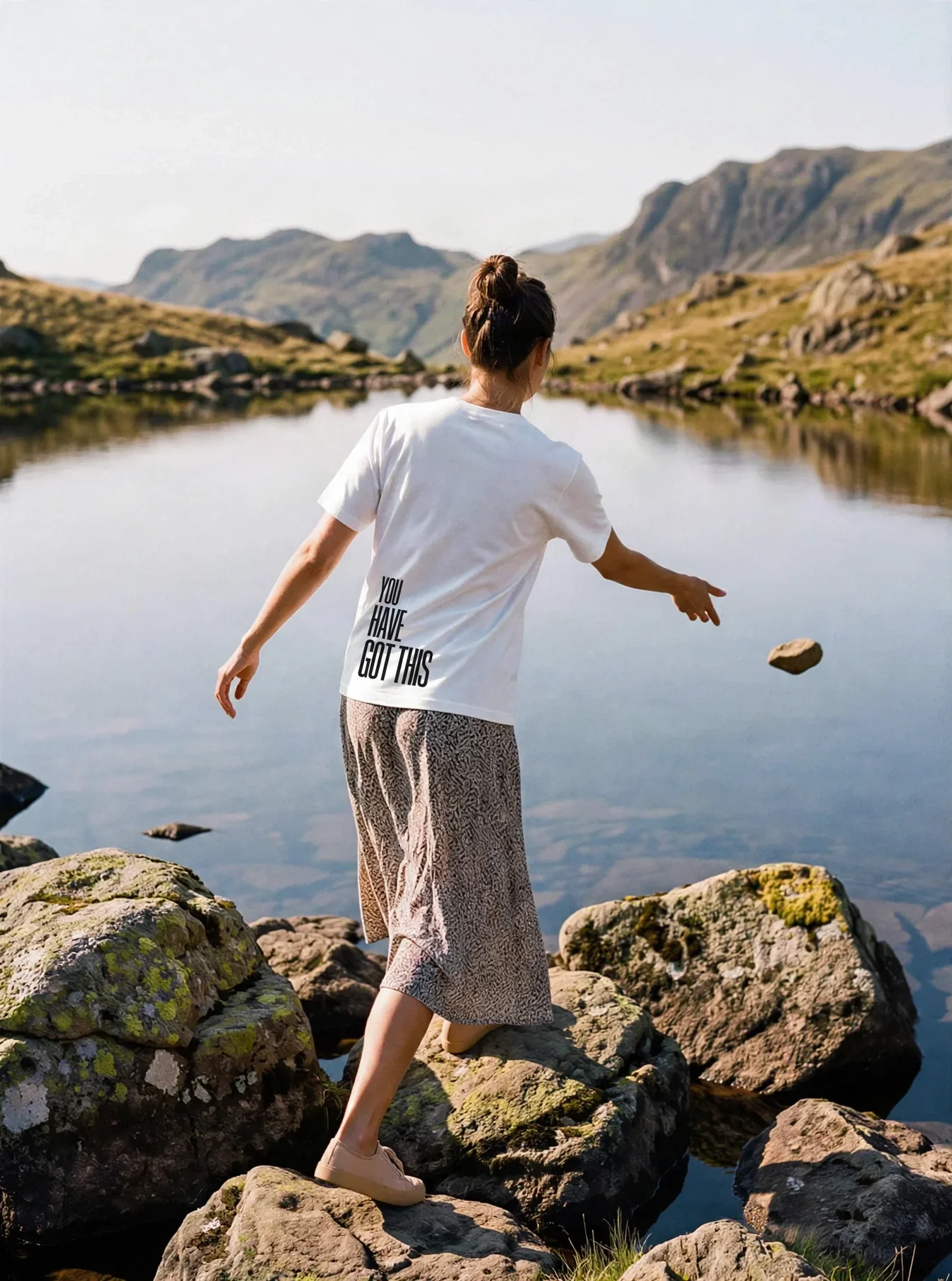
Harsh midday sun flattens subjects, creates unflattering shadows under eyes and noses, and blows out highlights. The solution is to shoot during golden hour – the first hour after sunrise and the last hour before sunset. The light arrives at a low angle, warm in colour temperature, and wraps around subjects rather than pressing down on them.
\n
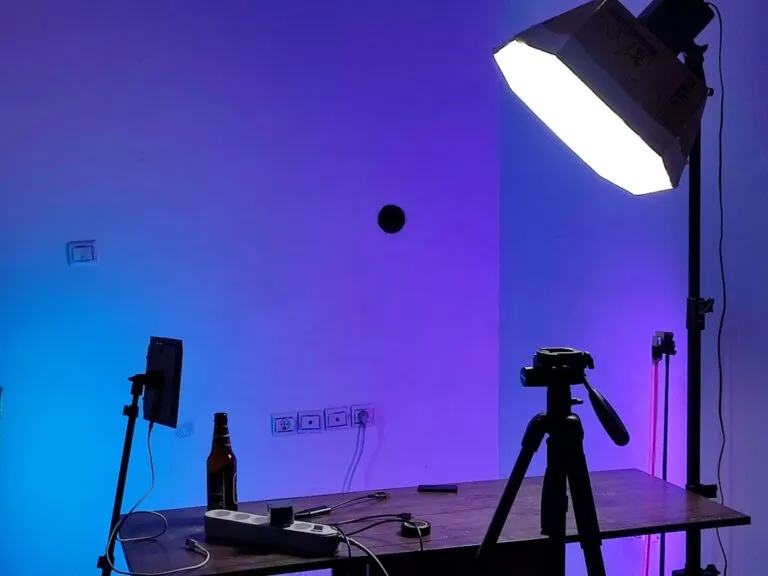
The same principle applies indoors. Position your subject near a large window and turn them slightly towards the light source – what photographers call short lighting or broad lighting, depending on which side of the face catches more light. A south-facing window in the Northern Hemisphere delivers direct, harder light; a north-facing window gives consistent, diffused illumination closer to the quality of an overcast sky. Both are usable; the north-facing window is simply more forgiving for beginners. If the contrast between the lit side and the shadow side feels too harsh, hang a white bedsheet across the window to act as a diffuser, or place a white card just out of frame on the shadow side to bounce a little light back in.
\n
For more structured shoots, this understanding of natural light quality is the foundation everything else rests on.
\n
Step 6: Get Closer – Fill the Frame
\n
Put down the zoom and walk towards your subject. When we physically move closer, the perspective shifts, the background compresses differently, and the subject takes on genuine presence in the frame. Digital zoom degrades image quality by cropping into the sensor. Optical zoom – using a telephoto lens or the longer focal length on a multi-lens phone – compresses perspective in a way that can flatten the sense of depth between subject and background, which is sometimes useful but is a different creative choice from simply getting closer.
\n
Neither substitutes for proximity when we want a true change of perspective. Portrait photographers, product photographers, and street photographers all rely on this instinct. Filling the frame forces a decision about what actually matters in the image. Distracting elements in the background become irrelevant when the subject occupies most of the frame – every pixel of empty background is a missed opportunity to communicate texture, detail, and quality.
\n
Shoot RAW to Preserve What the Camera Sees
\n
Switch the camera’s file format from JPEG to RAW. JPEG files are compressed in-camera – the camera makes decisions about white balance, sharpness, and exposure, then discards the data it used to make those decisions. RAW files retain everything the sensor captured. In post-processing, that means we can recover detail in blown-out highlights, lift information from deep shadows, and correct white balance without degrading image quality.
\n
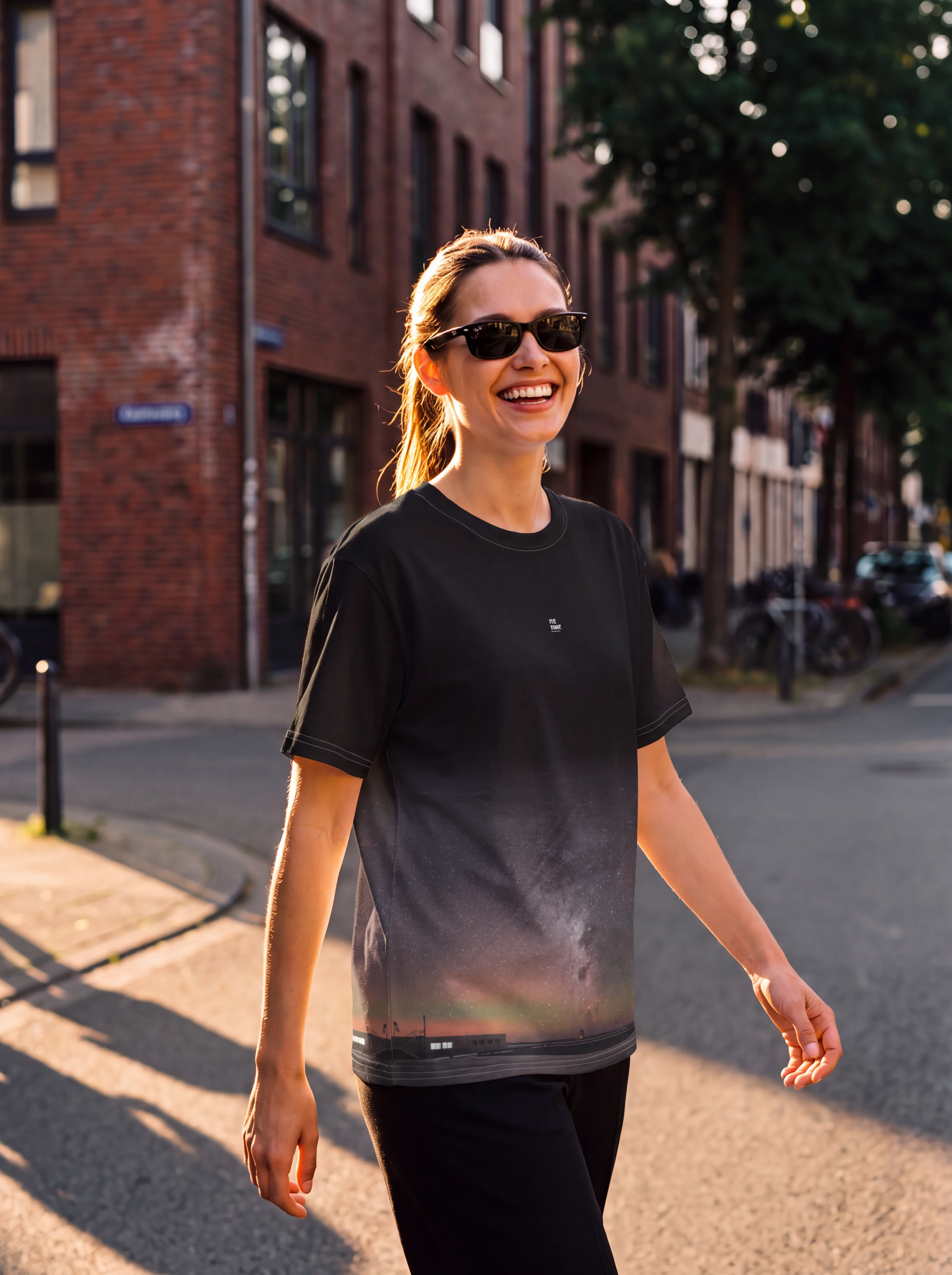
For colour-critical work – clothing, product, food – RAW is particularly valuable. Fabric colours shift dramatically under different light sources, and correcting white balance in a JPEG often introduces colour casts that RAW files handle cleanly. Lightroom Mobile offers free RAW processing and handles files from most phone cameras and entry-level bodies. Start there. Apply the camera matching profile (under Profile in the Colour panel) as a first step before any other adjustments – this anchors the RAW file to how the camera itself would have rendered the scene, giving us a neutral baseline to work from rather than the flat, desaturated default.
\n
Troubleshooting – Common Pitfalls
\n
Images are consistently blurry. In Aperture Priority mode at wide apertures (f/1.8), the camera may select a slow shutter speed in low light. Enable Auto ISO with a minimum shutter speed of 1/focal length (e.g. 1/50s for a 50mm lens) to prevent camera shake.
\n
The background is not blurring despite using f/1.8. Distance matters as much as aperture. Move closer to the subject, or increase the distance between the subject and the background. A subject standing one metre from a wall will never separate dramatically, regardless of aperture.
\n
RAW files look flat compared to JPEGs. They are – by design. RAW files require a base profile to be applied in post-processing. In Lightroom, apply the camera matching profile under the Colour panel. The depth and control we gain more than compensates for this extra step.
\n
Building From Here
\n
The most important thing the first 500 frames will teach us is not composition or exposure – it is that photography is cumulative. Each technique we add builds on the last. Start with Aperture Priority this week and shoot 50 frames before touching anything else. Next week, add the grid and practise the rule of thirds. The week after, find a golden-hour window and pay attention to what the light does to colour and mood.
\n
Systematic practice outperforms random shooting every time. The photographers whose work we recognise built their instincts through deliberate repetition, not passive accumulation of frames. The tools have changed; the principle has not.
\n
Source: https://lensclear.net/photography-tutorials-beginners-2026/
\n
This article was researched and written with AI assistance, then reviewed for accuracy and quality. Talulah at Its.That. uses AI tools to help produce content faster while maintaining editorial standards.
\n