

Last updated: May 15, 2026
Image: BasedLabs
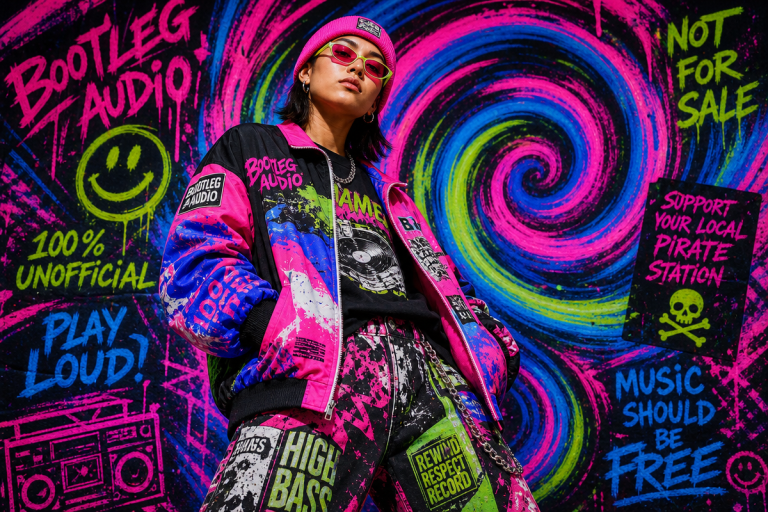
Picture a rail of heavyweight blanks at a Hackney market stall. A washed terracotta piece with a single brutalist condensed word across the chest – “NOTHING.” beside it a faded bootleg-style graphic, like a 1994 European tour never happened, in dusty mauve and off-white halftone. Neither came from a design agency. Both came from a text prompt typed into an AI t-shirt design generator sometime last week.
That’s the actual shape of independent drop culture in 2026. The DIY aesthetic hasn’t softened – if anything it’s sharper, more deliberate, more culturally specific. What’s changed is the infrastructure behind it. Scroll any streetwear-forward corner of TikTok right now and you’ll see clean, considered graphics from one-person labels running zero design team. The pipeline from concept to cotton has collapsed, and the results are genuinely interesting.
This is our breakdown of how AI tools are reshaping the print-on-demand workflow – what the tech delivers, where it falls short, and the specific directions worth running with right now.
1. Prompt-to-Preview Speed is Rewriting the Creative Brief
Image: BasedLabs
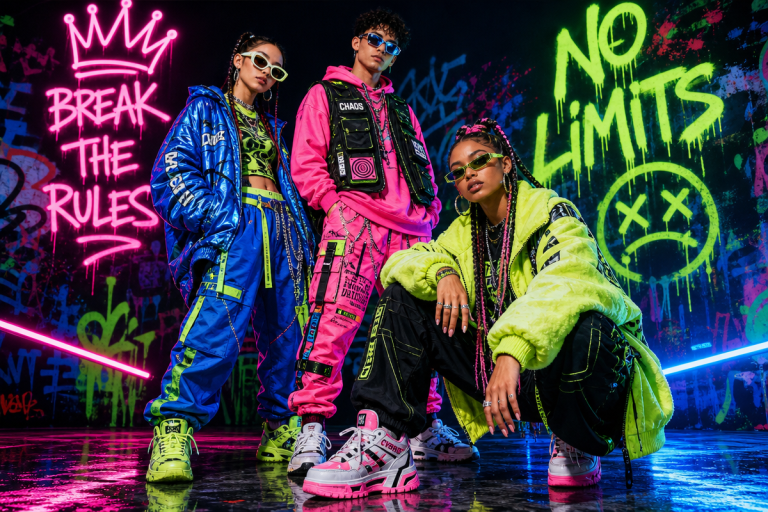
The old workflow was brutal. Brief a designer, wait for concepts, revise three times, chase the file, chase the printer. Now platforms like BasedLabs’ AI T-Shirt Generator collapse that entire chain into moments. You describe the vibe – a sun-bleached retro tour graphic with a condensed serif stack and faded burgundy palette – and the tool returns multiple variations ready to compare, previewed on a virtual model actually wearing the piece.
That speed changes the creative dynamic fundamentally. We’re no longer committing to a direction before we’ve seen it rendered. For independent POD sellers and small-batch labels, this is the real shift – iteration is essentially free. You can test a bootleg-logo treatment against a minimalist washed-type tee and a maximalist collage concept in the same afternoon. No Illustrator licence. No day rate.
Entrepreneurs with a strong visual point of view but no design software muscle have been underserved for years. Tools that take a detailed prompt and return high-resolution, print-ready output are finally closing that gap – and the results on Etsy and Redbubble bestseller charts are proving it.
2. Typography is Doing the Heavy Lifting
If you’re watching what’s converting on POD platforms right now, the pattern is clear: typography is carrying more weight than ever. Not decorative typography – structural typography. The font choice IS the design.
Condensed gothics at maximum weight. Brutalist serif stacks with exaggerated contrast. Weathered varsity letterforms with visible texture and grain. These aren’t just font choices – they’re cultural signals. A heavy condensed gothic in white on black reads American hardcore. A distressed serif in bone on forest green reads early-90s skate. The AI tools handle these references well when you’re specific about them.
Placement matters as much as the face itself. Oversized chest text at 80% of the chest width, flush to an imaginary baseline. Left-chest single-word placement in a compressed italic. All-over back print in a stacked editorial column. These compositional moves are worth being explicit about in your prompts – the tools respond to placement language. Typography in 2026 isn’t decoration – it’s the primary brand identity signal, and the AI generators are good enough now to execute it when you give them genuine direction.
3. The Raster Reality Check
Here’s where we need to level with you: “print-ready” means different things in different contexts. AI image generators – ChatGPT, Midjourney, DALL-E, Adobe Firefly, Stable Diffusion – universally output raster files. PNG, JPG, WebP. Pixels. And pixels don’t scale.
For direct-to-garment (DTG) printing, a high-resolution PNG at 300dpi is often perfectly workable. DTF (direct-to-film) transfer printing – the method dominating small-batch production in 2026 because it handles both light and dark fabrics without pre-treatment – also works cleanly with raster files at sufficient resolution. But for vinyl cutting, embroidery, or traditional screen-printing, those files hit a wall. Production equipment needs vector formats – SVG, AI, EPS – where curves are mathematical, not approximated by coloured squares.
The fix is vectorisation, and this is where the workflow matters. Auto-tracing tools handle simple designs competently – flat illustrations, bold type, high-contrast graphics. Anything with gradients or complex layering needs hand-drawn vectorisation to reach production grade. The practical takeaway: if you’re generating type-led or single-colour designs, auto-vectorisation works. If you’re generating detailed graphics for anything beyond DTG or DTF, budget for that conversion step. It’s not a workaround – it’s part of the pipeline now.
4. Prompting for Better Output
The tools are only as good as the brief you give them. Vague prompts produce generic results. Prompt craft is the skill that actually matters now – not design software fluency.
For typography-led designs, reference the best fonts for t-shirts trending in 2026 – condensed gothics, brutalist serifs, and weathered varsity letterforms. Describe those references explicitly. “Bold condensed gothic, distressed, white on black, 1990s American hardcore, chest placement, no fill behind text” consistently outperforms “edgy font design.”
For graphics, think in aesthetic mashups. Y2K chrome meets Japanese streetwear minimalism. 1970s political poster meets pastel palette. Early internet meets premium workwear. The AI handles the visual translation when you give it genuine cultural reference points to triangulate between – two specific references produce sharper output than one vague mood.
Colour language matters. “Washed terracotta” is more useful than “orange.” “Off-white with aged yellowing” reads differently to “cream.” “Dusty mauve” pulls a different set of references than “purple.” The palette dominating POD conversion charts right now – washed terracotta, bone, forest green, dusty mauve, faded burgundy – isn’t accidental. These colours sit in the same visual register as vintage deadstock, premium heavyweight blanks, and considered independent labels. Pair those with seasonally specific sentiment designs and you start to see where the genuine commercial opportunity sits.
5. Workflow Fit is the New Feature Race
The AI image quality gap has largely closed. Midjourney, Firefly, and the rest are producing results that were impossible two years ago. The differentiator in 2026 isn’t raw output quality – it’s how fast a tool moves you from prompt to usable asset, and how well it integrates with the rest of your production chain.
For POD operators, that means thinking across the full run: prompt to preview, preview to vectorised file, vectorised file to print partner upload. Tools that compress multiple steps into one interface are winning because that compression is worth more than marginal quality gains.
The operators doing best treat AI generation as the research phase, not the final deliverable. Generate fast, identify what’s working, then refine the winner for production. The 90s vintage bootleg aesthetic trending hard across Etsy and Redbubble is a perfect case study – AI tools generate the rough concept in minutes, the halftone distress and muted palette land immediately, but the production-grade version still needs human attention on vectorisation and print spec before it’s ready to move.
6. Design Directions Worth Running With
A few specific calls based on what we’re tracking across feeds and POD bestseller charts:
Oversized single-colour type tees. One word or a short phrase. Maximum weight condensed gothic. Chest placement at 80% width. White on black, or bone on forest green. Restraint is the point. These are DTG-native – the raster output is perfectly workable, no vectorisation needed – which makes them the most efficient prompt-to-production path in the lineup right now.
Faded vintage bootleg graphics. Tour merch for bands that never existed. Distressed halftone treatment, muted four-colour palette, oversized back print with a small chest repeat. Think “1993 European tour, faded burgundy and off-white, screen-printed on a Fruit of the Loom heavyweight.” AI generators excel at this aesthetic when you prompt precisely. DTF is the right print method here – handles the colour complexity without requiring vector conversion.
Minimalist line art on premium blanks. Single-colour outline illustration, centred chest or left-chest placement, clean white or bone ground. The design restraint here serves a practical purpose – simple enough that auto-vectorisation handles the file conversion cleanly, which means the path from prompt to screen-print-ready file is genuinely fast.
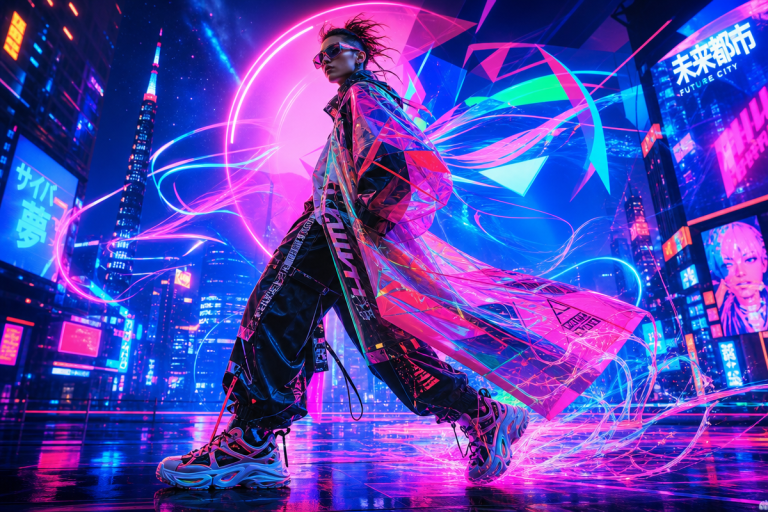
Retro-futurist type collages. This one’s emerging. Memphis geometry meets brutalist editorial type meets washed-out digital glitch treatment. Works best as an oversized back print. More complex to execute, but AI generators are handling the aesthetic collision surprisingly well when you stack two or three specific reference points in the prompt.
The common thread across all four: deliberate aesthetic specificity. Not because maximalism is dead – it isn’t – but because the restrained, culturally specific designs survive the AI-to-print pipeline with fewer complications, and they’re consistently outperforming on conversion.
Frequently Asked Questions
Q: Can AI generators produce files ready for screen printing?
A: Most produce raster files (PNG, JPG) that work for DTG and DTF but require conversion to vector format (SVG, AI, or EPS) before screen printing, vinyl cutting, or embroidery.
Q: How specific do prompts need to be?
A: Very. Referencing exact aesthetics, colour descriptions, typography styles, and placement consistently produces more usable output than vague descriptors like “cool” or “edgy.” Two specific cultural references outperform one vague mood every time.
Q: Are AI-generated designs suitable for commercial use?
A: Platforms like BasedLabs describe their output as suitable for personal and commercial use. Always confirm the licence terms of the specific tool before listing designs for sale.
Q: What styles are AI generators best at in 2026?
A: High-contrast, graphic-heavy styles – vintage bootleg treatments, bold type-led designs, single-colour illustrations. These also convert most cleanly through auto-vectorisation, making them the most efficient path from prompt to finished print.
Q: What’s the difference between DTG and DTF for AI-generated designs?
A: DTG prints directly onto the garment and works best on light fabrics without pre-treatment complications. DTF prints onto a transfer film first, then heat-presses onto the garment – it handles dark fabrics cleanly and is increasingly the default for small-batch POD in 2026. Both accept raster files at sufficient resolution.
The tools have genuinely lowered the floor for entry. The ceiling is still set by how well you understand the production chain, the aesthetic moment, and the audience you’re designing for. The prompt is just the beginning – knowing which halftone treatment reads 1993 versus 2003, which weight of condensed gothic signals hardware versus hardcore, which palette sits premium versus fast fashion – that knowledge hasn’t been automated yet. That’s still the work.
Source: https://www.basedlabs.ai/tools/ai-t-shirt-generator
This article was researched and written with AI assistance, then reviewed for accuracy and quality. Maya Sinclair uses AI tools to help produce content faster while maintaining editorial standards.